Mailock® Australia

Email sensitive information safely

Send sensitive information by email with encryption, recipient verification, and a simple secure read and reply experience - without forcing people into a portal.
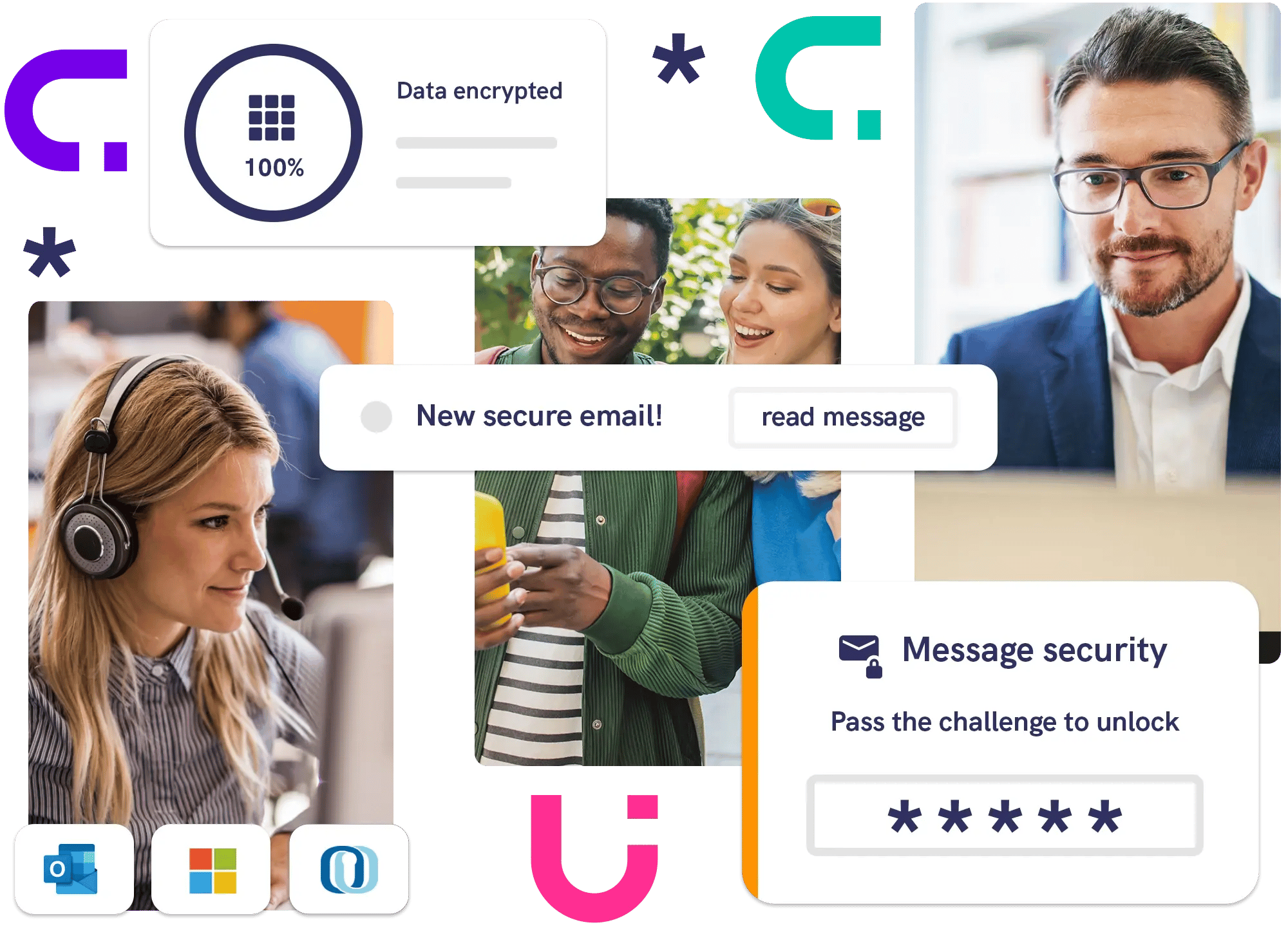

Mailock secure email experience showing encrypted message delivery, recipient authentication challenge, and users accessing protected communications across devices

Trusted by leading organisations

HSBC logo
Aegon Logo 2023
Royal London logo
Aviva Logo
Equiniti EQ Logo
abrdn-logo-horiz-white-svg

Just email it (securely)!

  • Encrypt sensitive email and attachments
  • Verify the recipient before they access the message
  • Enable recipients to read and reply securely without extra logins
  • Integrate with your existing email environment
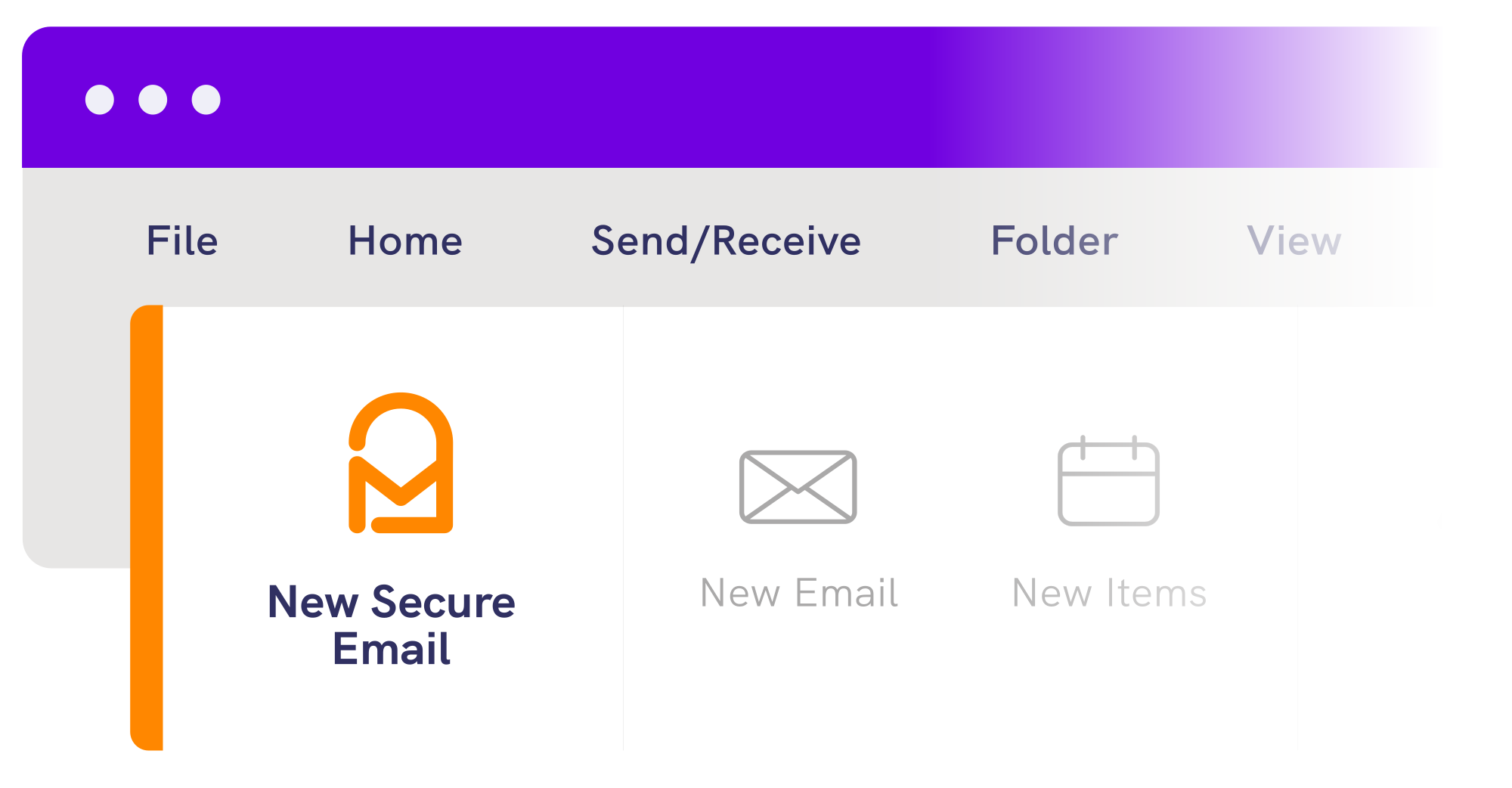
Mailock Outlook add-in New Secure Email button

Explainer

What is Mailock?

Standard email leaves an outbound risk gap

Standard email is easy to send, but it is also easy to misdirect, hard to control after sending, and often poor at proving who actually accessed the message.

Mailock is built to close that outbound communications gap with encryption, recipient authentication, audit trails, revoke controls, and secure read and reply.
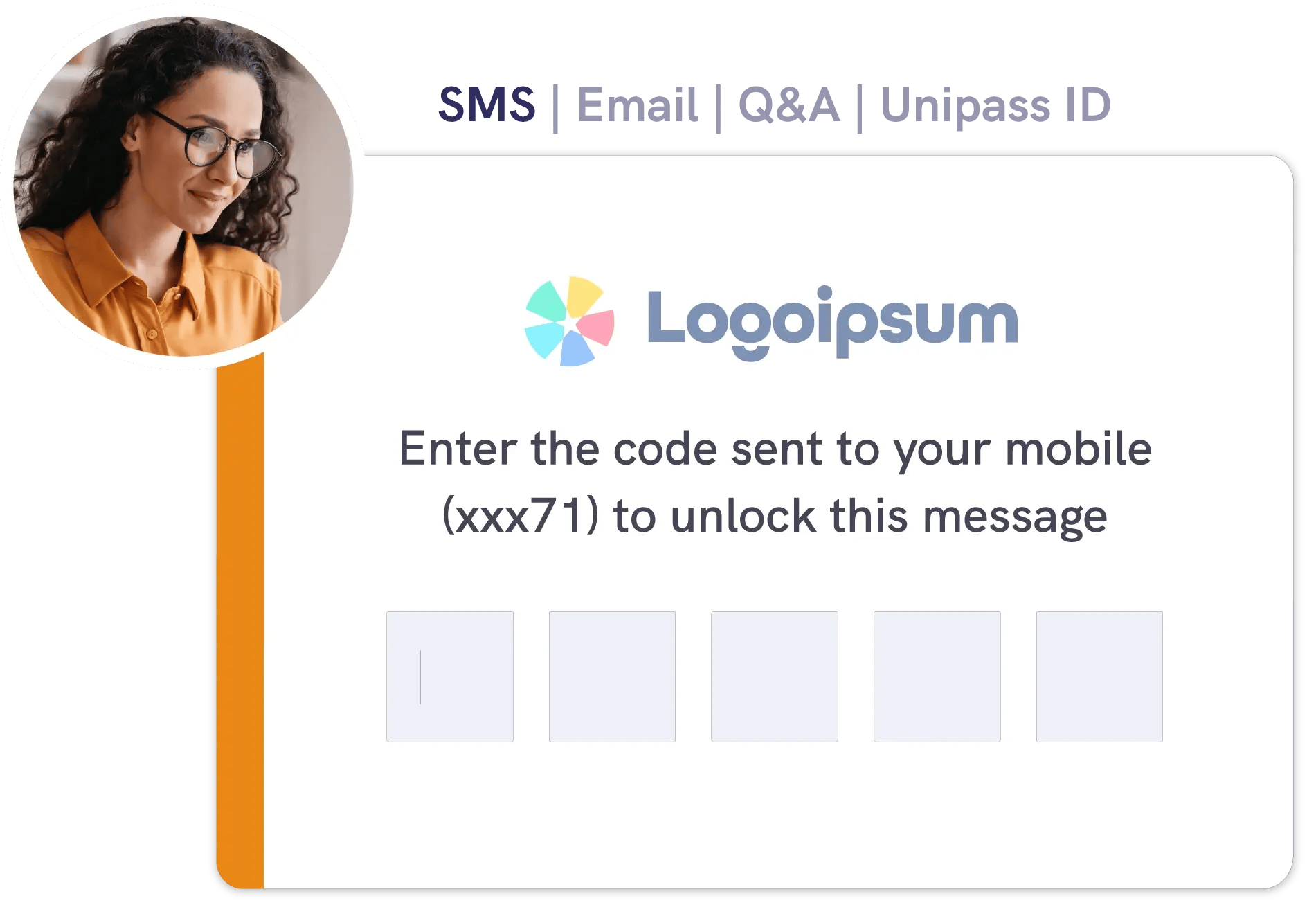
User unlocking a Mailock secure email with an SMS code

Compliance

Support your regulatory obligations

Privacy Act and APP 11

Organisations covered by the Privacy Act must take reasonable steps to protect personal information from misuse, loss, and unauthorised access, modification, or disclosure.

Notifiable Data Breaches scheme

If a covered organisation has a breach likely to result in serious harm, it must notify affected individuals and the OAIC. The OAIC received 595 data breach notifications in July to December 2024.

AUSTRAC and AML/CTF reform

AUSTRAC says newly regulated sectors including lawyers, accountants, conveyancers, real estate professionals, trust and company service providers, and dealers in precious stones, metals and products will be brought into scope from 1 July 2026.

Mailock can support parts of AML/CTF customer due diligence and record-keeping workflows through secure delivery, recipient verification, and audit trails.

For higher-assurance use cases, Enterprise ID&V can also support identity verification within those workflows.

Why Mailock?

Transform communications

Business team members clapping after a speech
Verification icon

Verify your recipients

Use SMS, Q&A, or OTP-style challenges so only the intended person gets access.

Comms icon

Drive engagement

Recipients can open and reply securely without creating an account, buying a licence, or being pushed through a portal.

Checklist icon

Retain control after sending

Track delivery and opens, revoke access if needed, and keep an audit trail for internal and compliance workflows.

Integration icon

Support existing workflows

Use open APIs, Outlook rollout, and integrations with platforms such as M365 and Mimecast rather than forcing a full workflow change.

pricing-icon

Pro

For professionals and teams

AU$18.60 per user / month 1
unlimited sends 2

Email encryption?Encrypt emails to prevent interception.
Q&A challenges?Protect messages with a question only the correct recipient could answer.
SMS challenges?Protect messages with a code sent to your recipient’s device.
Custom branding?Tailor the recipient experience with your branding.
Enhanced alerts?Customise the keywords that trigger user security prompts.
Enhanced tracking?See when your messages get opened.
Message revoke?Retract access to sent messages anytime.
pricing-icon

Enterprise

For high-volume contact

From AU$820 per company / month
priced by volume
Everything in Pro, plus:
Policy-based encryption?Automatic keyword and rule-based message security.
Identity document checks?Verify identity documents for AML processes
Automated delivery?Deliver secure email at high volumes, e.g., statementing.
API control & monitoring?Automate challenges and get advanced analytics.
Enterprise support?Dedicated account manager for training/technical support.
Flexible deployment?Options include cloud/on-prem, single/multi-tenancy.

Operating requirements

Mailock works with any modern web browser on any device. As long as your browser is up-to-date, there is a good chance you can use Mailock.

To use our Outlook add-in, you need the classic desktop version of Outlook for Windows (see how to check).

This commonly comes with Microsoft 365 Business Standard subscriptions or higher tiers. Standalone copies like Office 2019 also work.

Our add-in works with any actively supported version of classic Outlook on any supported version of Windows (see Microsoft's end of support documentation).

Mailock Enterprise plan holders can use secure email with any mail flow through a number of integration options with our support.

Terms and conditions (incl. footnotes)

General terms

  • Pro and Free plan users can reply to secure emails at no charge.
  • Message expiry periods vary by plan (see more in the FAQ item below).
  • Features, pricing, and data storage periods for enterprise plans vary based on infrastructure, requirements, and the package negotiated with our team.

Footnotes

  1. All prices exclude GST.
  2. Under the fair usage terms of the Pro Licence Agreement, a maximum of 100 sent messages per user per month is permitted. This allowance may be averaged across all users within a business or company, provided that each user holds an individual licence. Broadcast or high-volume messaging activity is prohibited unless expressly agreed by contract.
  3. Under the fair usage terms of the Pro Licence Agreement, the use of SMS two-factor authentication for sending secure messages with Mailock Pro is limited to a maximum of 25 SMS messages per user per month. This allowance may be averaged across all users within a business or company, provided that each user holds an individual licence.


Latest posts

10 min read
Woman checking her data is protected on smartphone
Data Compliance
03 06 26

Customer-Led Data Protection: The CASTLE Framework

Explore customer-led data protection and the CASTLE framework for trusted, consent-led, user-controlled data sharing.
9 min read
Face ID check
Data Compliance
28 04 26

Australia’s Tranche 2 AML Reforms Could Make Secure Email a Bigger Compliance Priority

Australia’s Tranche 2 AML reforms raise practical questions about how firms collect, share, and protect identity data in everyday workflows.

6 min read
Australian colleagues checking secure email
Data Compliance
21 04 26

How Mailock Helps with APRA CPS 230 and CPS 234 Email Controls in Australia

Mailock secure email helps with APRA CPS 230 and CPS 234 compliance by encrypting sensitive emails, verifying recipients, and supporting tracking and revoke.

300K+
Users
2.5K+
Companies
3.5M+
Recipients

Testimonial

Mailock helps us retain client trust, without adding friction

As a trusted partner for our clients, safeguarding their sensitive data is essential. Mailock helps us to protect data without adding friction to the client experience.

Rob Hudson Managing Director of Digital Wealth, Just Group
Financial services CEO sitting on a wall with laptop and phone outside office buildings

Key Features

It's email as you
know it, secured

Think it’s not safe to email? Think again. Mailock makes email fit for critical data.

Encryption icon

Encrypt

Secure email messages and attachments with AES-256 - robust protection for confidential data.

Identity icon

Challenge

Choose from a range of recipient authentication methods to control message access.

Checklist icon

Track

The message tracker records when secure emails are delivered and opened for compliance.

Revoke icon

Revoke

Sent it to the wrong person? Revoke access, no matter which email provider they use.

As seen in...

Daily Mail Logo Badge
Cybernews logo
Daily Express logo
raconteur logo
Tech Pros logo
Bloomberg UK Logo
IT professional explaining secure email to a colleague

Questions?

Talk to us

See Mailock in action - book a demo with our team and get your questions answered.

Questions?

FAQs, answered

What is secure email?

Secure email combines encryption and recipient authentication to protect messages from interception and unauthorised access. It helps prevent data breaches, even if an email is sent to the wrong person.

Why isn't regular email secure?

Standard email travels through multiple servers and was never built for privacy. Without encryption, contents can be intercepted or altered in transit. Inbox takeovers and misdirected emails pose additional risks.

How is Mailock different?

Mailock adds identity checks to email, verifying recipients before access. It includes military-grade encryption, security alerts, and features for both individual and high-volume use, making it ideal for sensitive communications.