Mailock Revoke
Revoke emails
in Outlook
Lock down emails sent in error
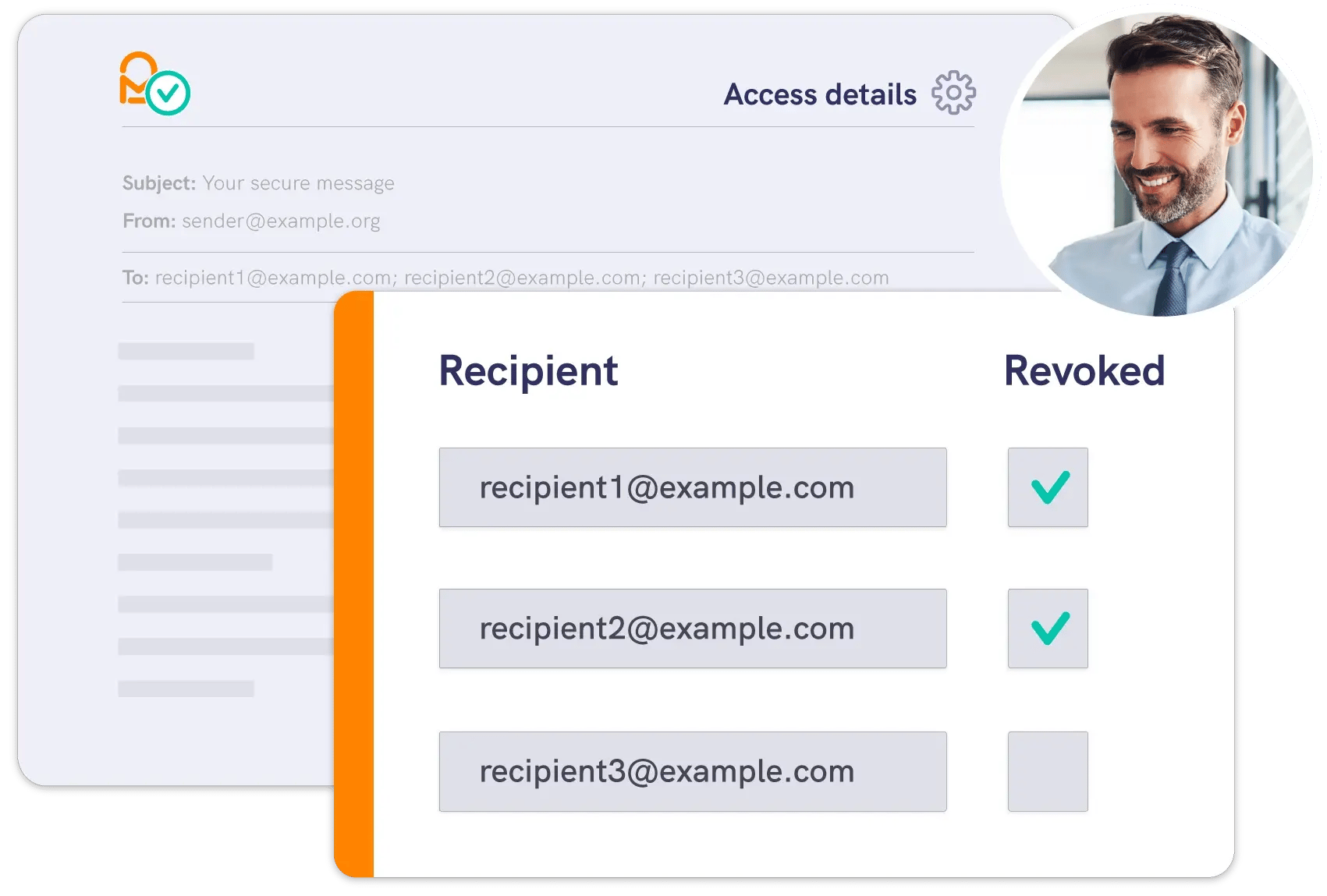
Human error is the top cause of data breaches. Revoke sensitive messages individually or in bulk to reduce risk and contain breaches.






Protect against the
top cause of a breach
Email mistakes are the leading cause of data breaches. Mailock gives you the power to revoke misfired messages and keep sensitive data secure.
- Secure outbound emails and replies
- Prevent ‘wrong recipient’ mistakes
- Revoke messages to contain a breach
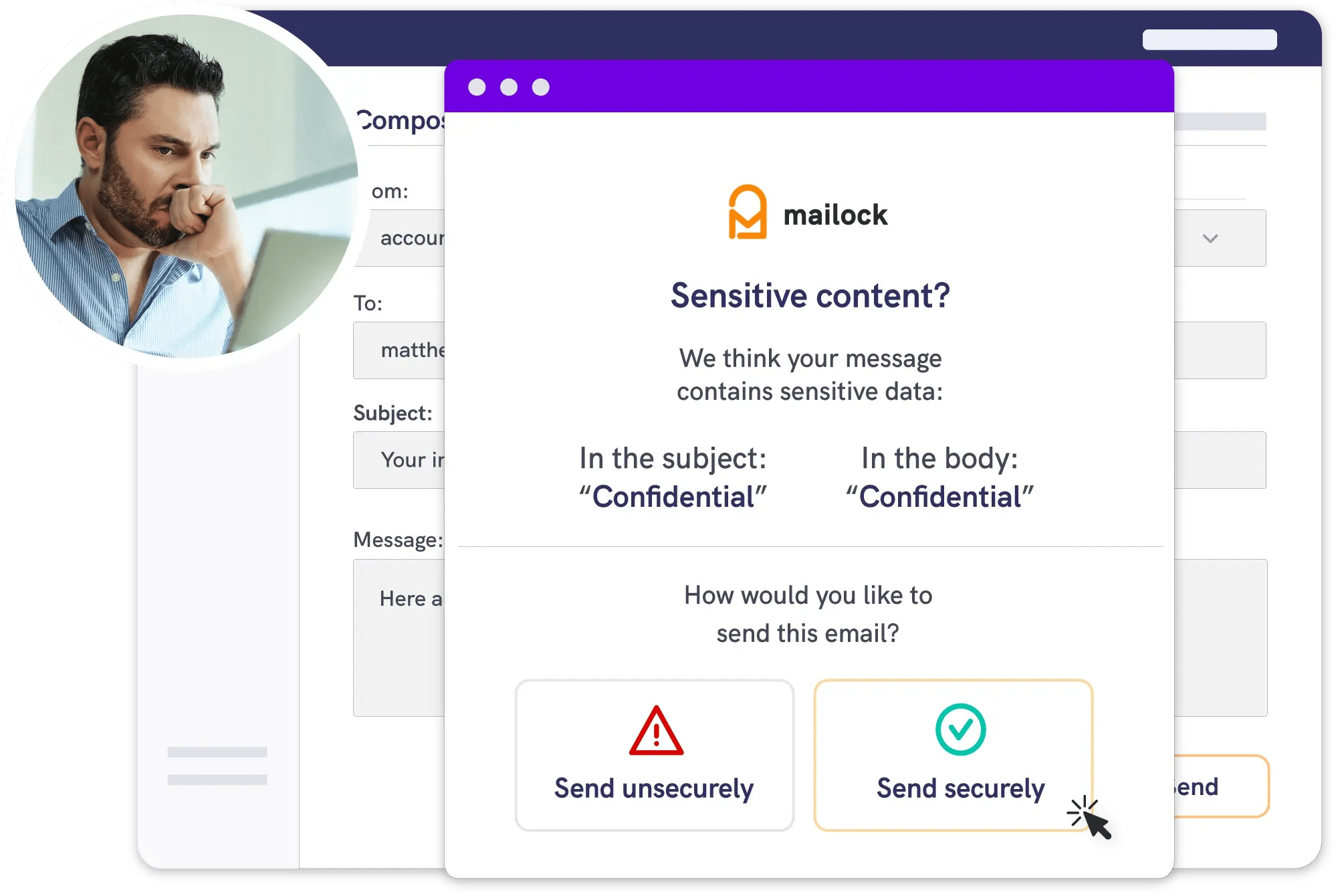
When Outlook's native 'recall' is not enough
Outlook’s built-in recall only works in limited scenarios. With Mailock, secured sensitive messages can be revoked to contain a breach.
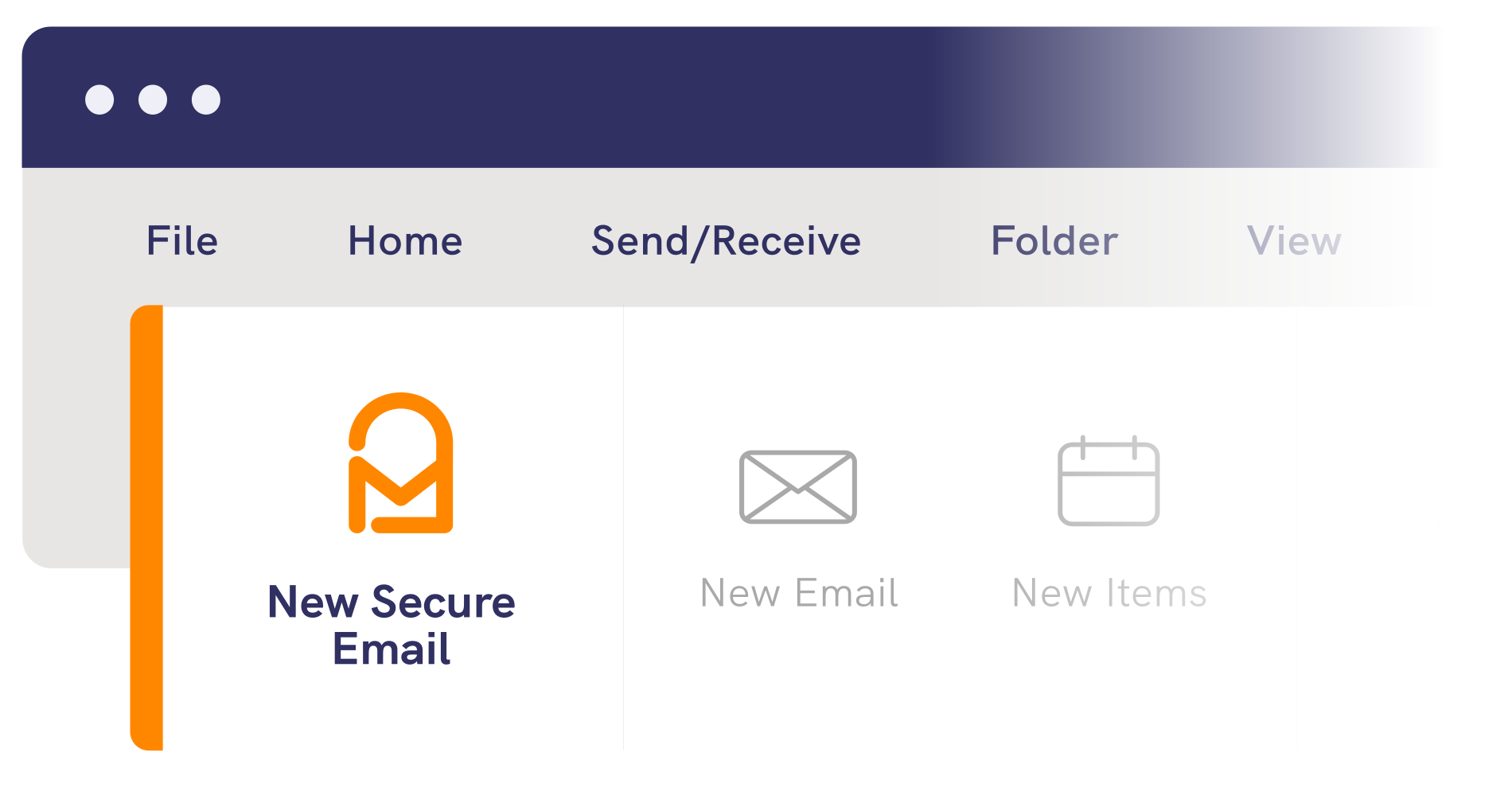
- Install our easy-to-use Outlook add-in
- Send secure emails from your desktop
- Track and revoke sent messages

Outlook
Microsoft Message Encryption
Basic protection for everyday emails
AES-256 encryption
Recipient authentication
Sensitive data alerts
Message audit trails
Message revoke
Read notifications
Engagement analytics
High volume delivery

Mailock
Mailock Secure Email
Advanced protection for sensitive data
AES-256 encryption
Recipient authentication
Sensitive data alerts
Message audit trails
Message revoke
Read notifications
Engagement analytics
High volume delivery



Testimonial
Message revoke is a game-changer
Message revoke is a game-changer. If an email is sent to the wrong recipient, we can instantly block access, which is invaluable for our data protection team.


Get started
Create an account
Create a Mailock account to download the Outlook add-in and start sending secure emails.