Integrations > M365
Secure customer email with Mailock for Microsoft 365
Secure customer email without leaving familiar Microsoft 365 workflows
Give teams a practical way to protect sensitive customer messages, authenticate recipients, and stay in control after sending - alongside the Microsoft 365 tools they already use.
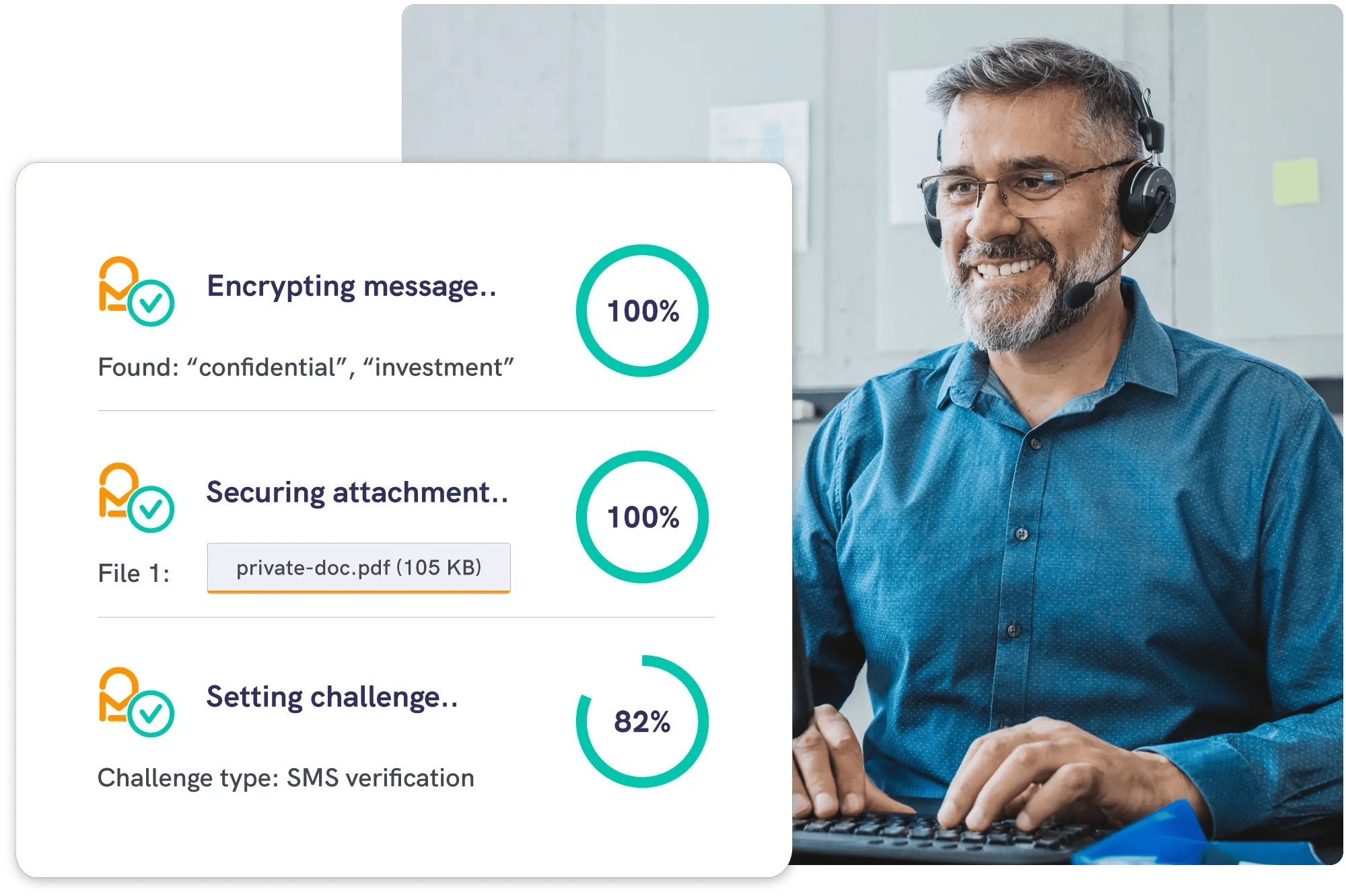



Secure email from Outlook
or automated workflows
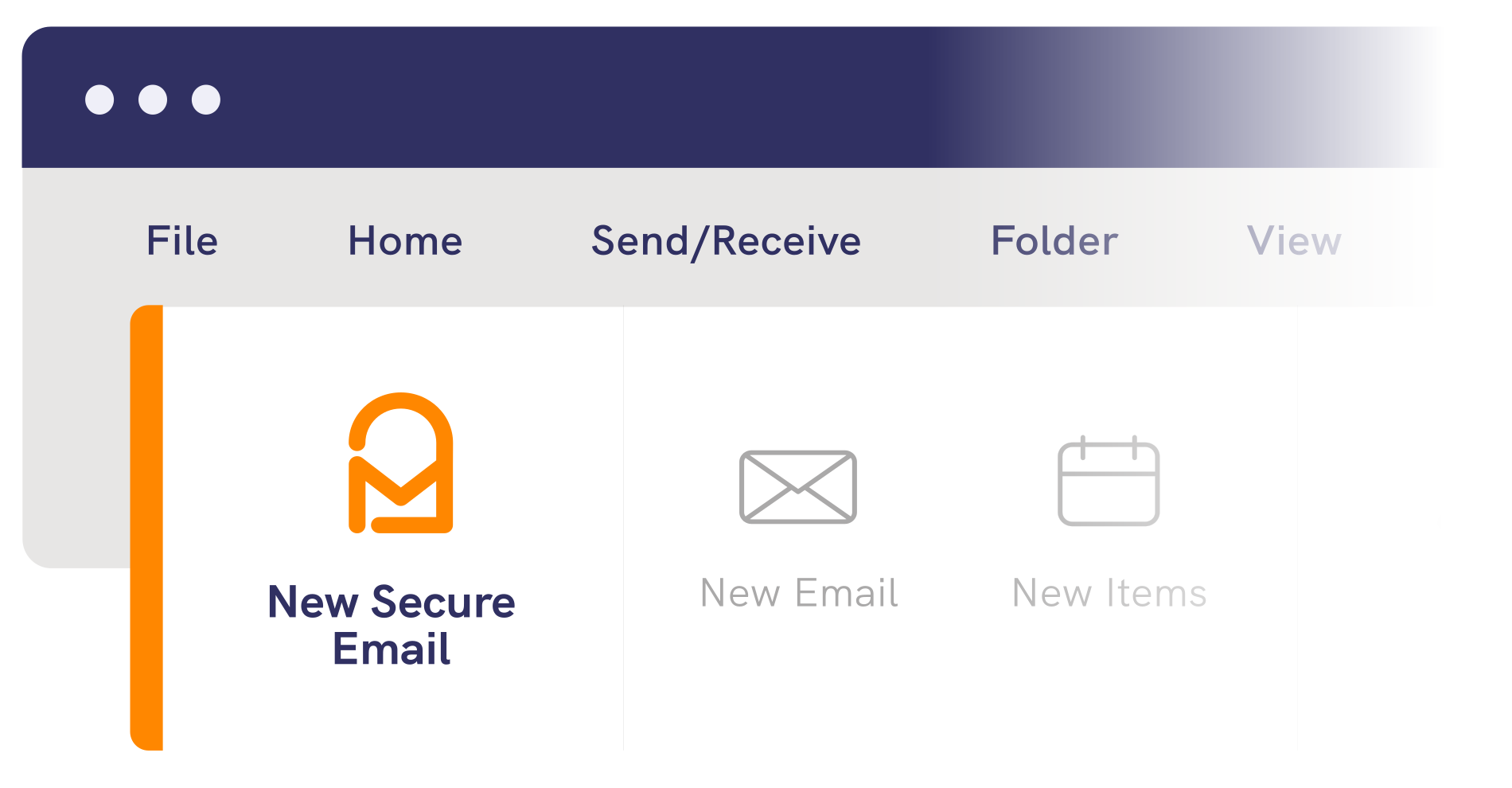
Teams can protect individual customer emails from supported versions of Windows Outlook.
Organisations can also extend Mailock across automated Microsoft 365 delivery workflows, bringing recipient authentication, secure replies and post-send control to customer communications at scale.
- Secure individual emails from Outlook
- Extend protection across automated delivery
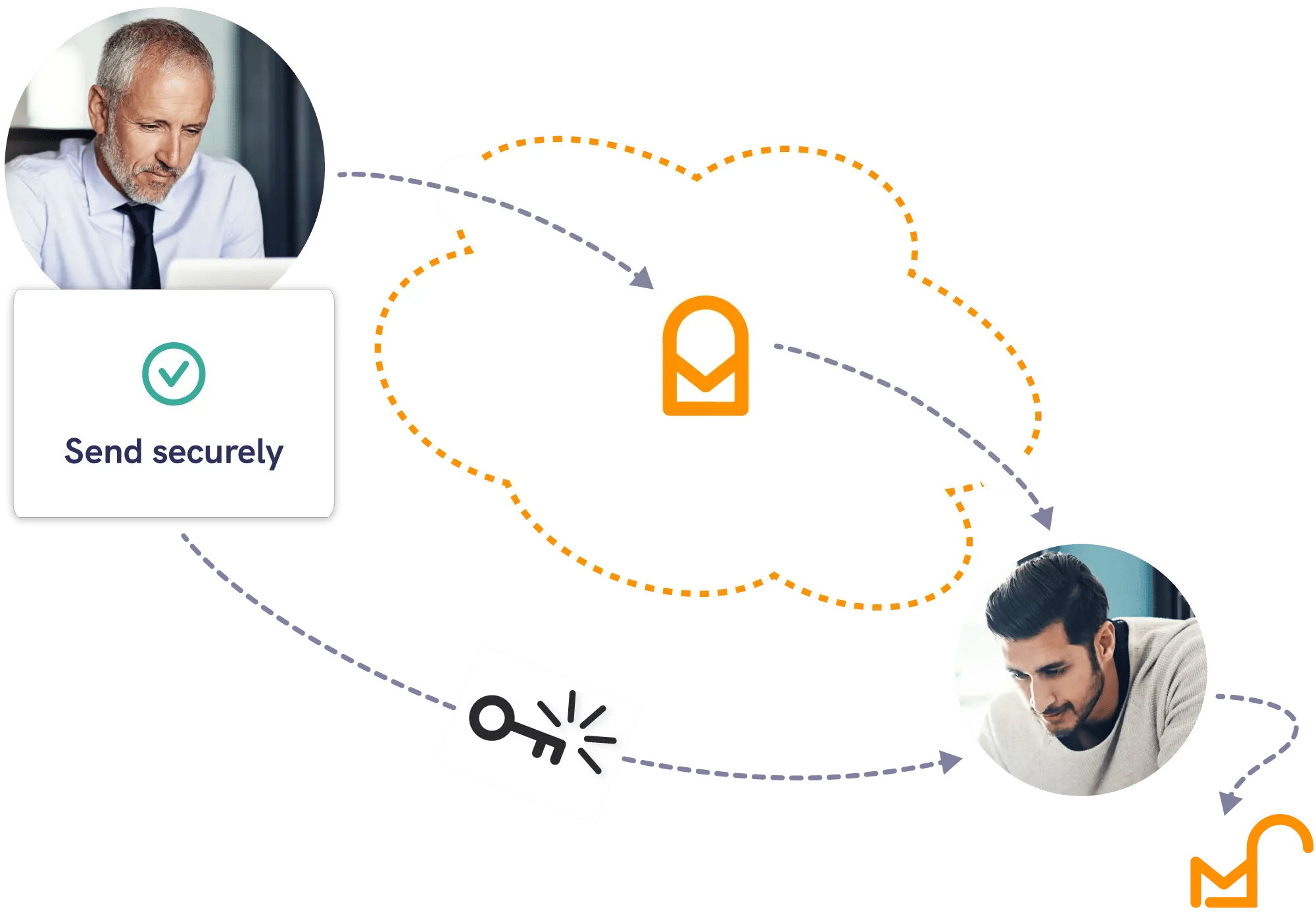
1. Receive
A secure message notification arrives in the recipient's inbox.
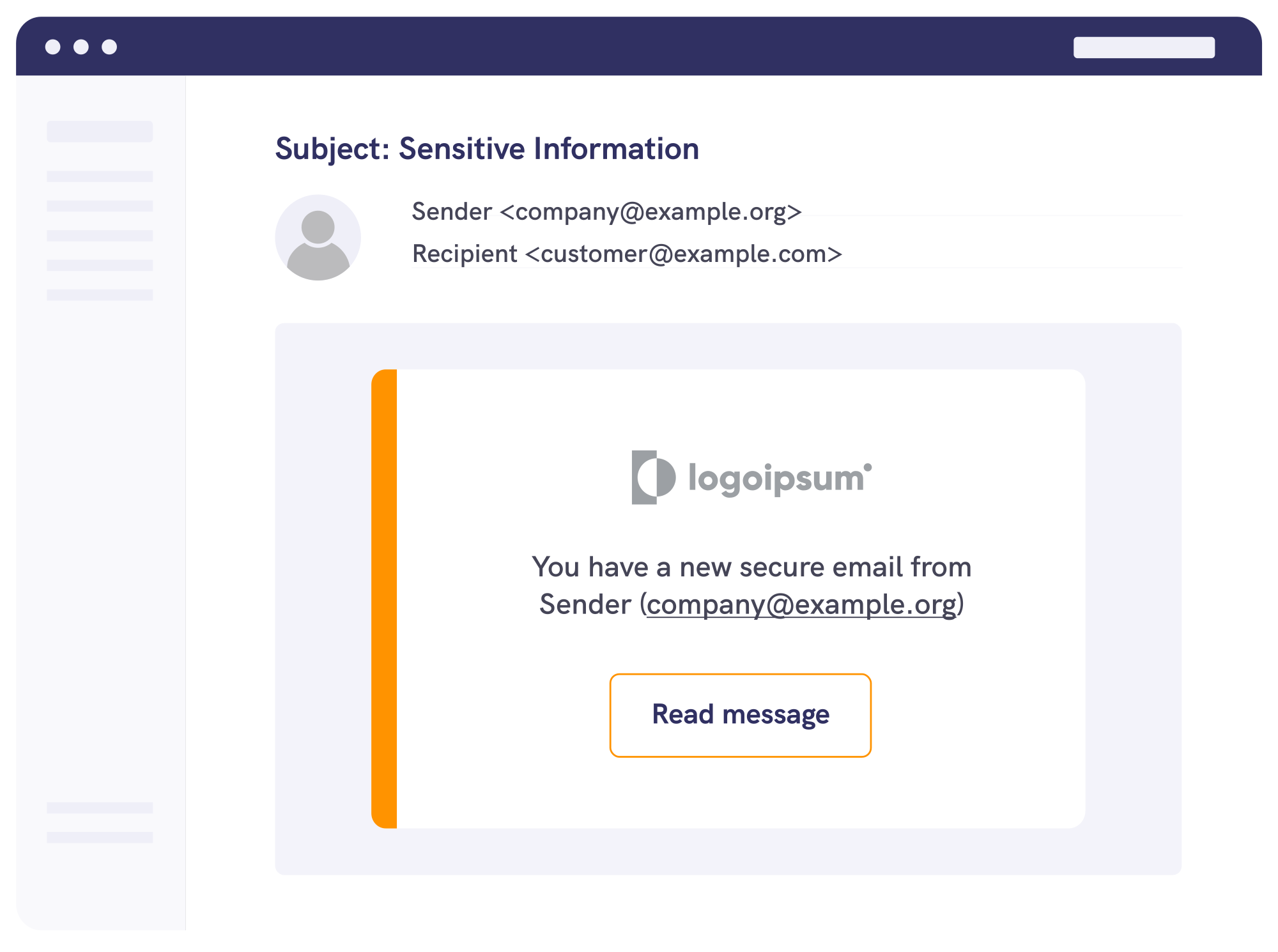
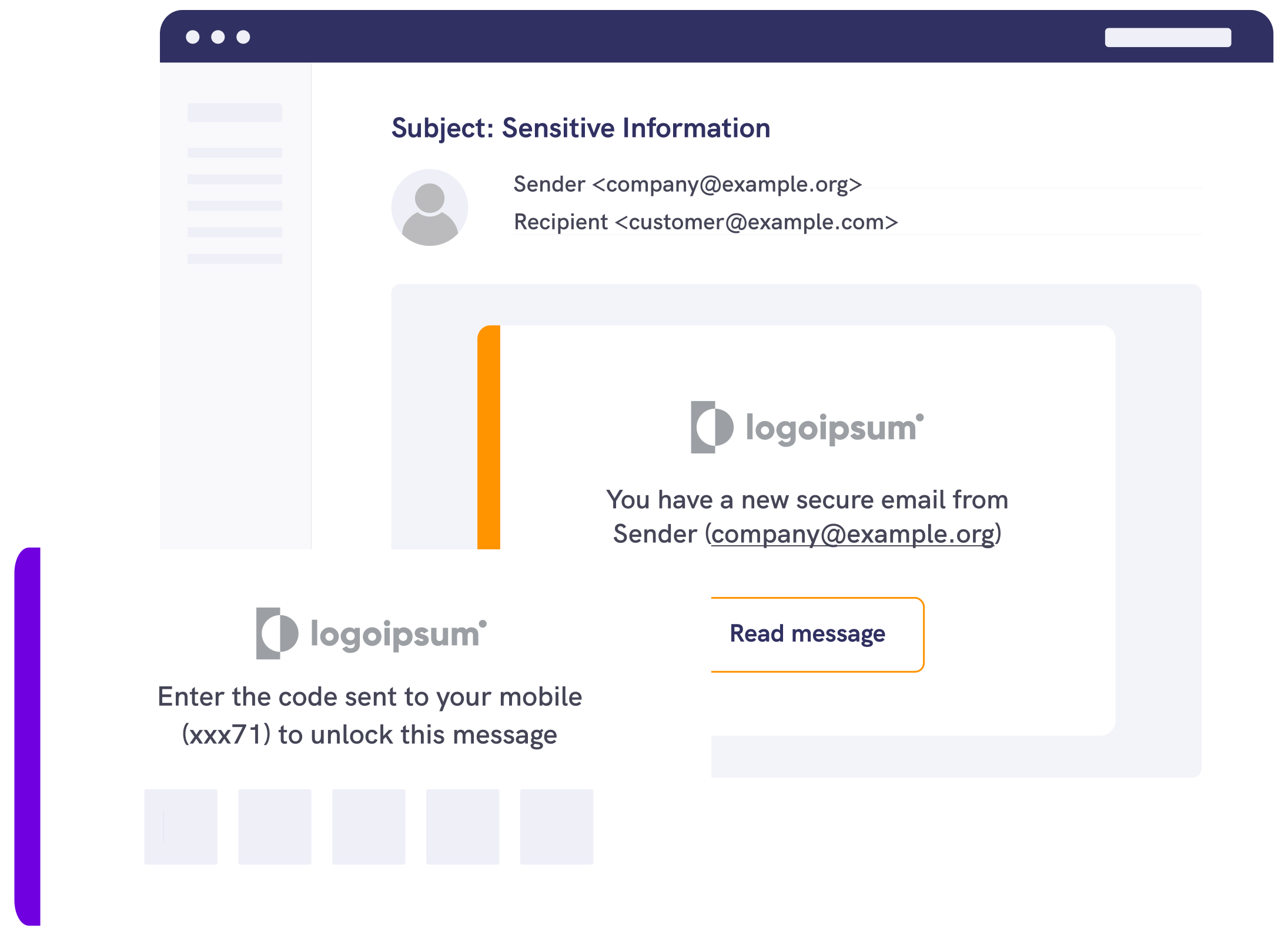
2. Authenticate
The recipient completes the authentication check selected by the sender.
3. Read and reply
The recipient opens the secure message and replies inside the same protected experience.
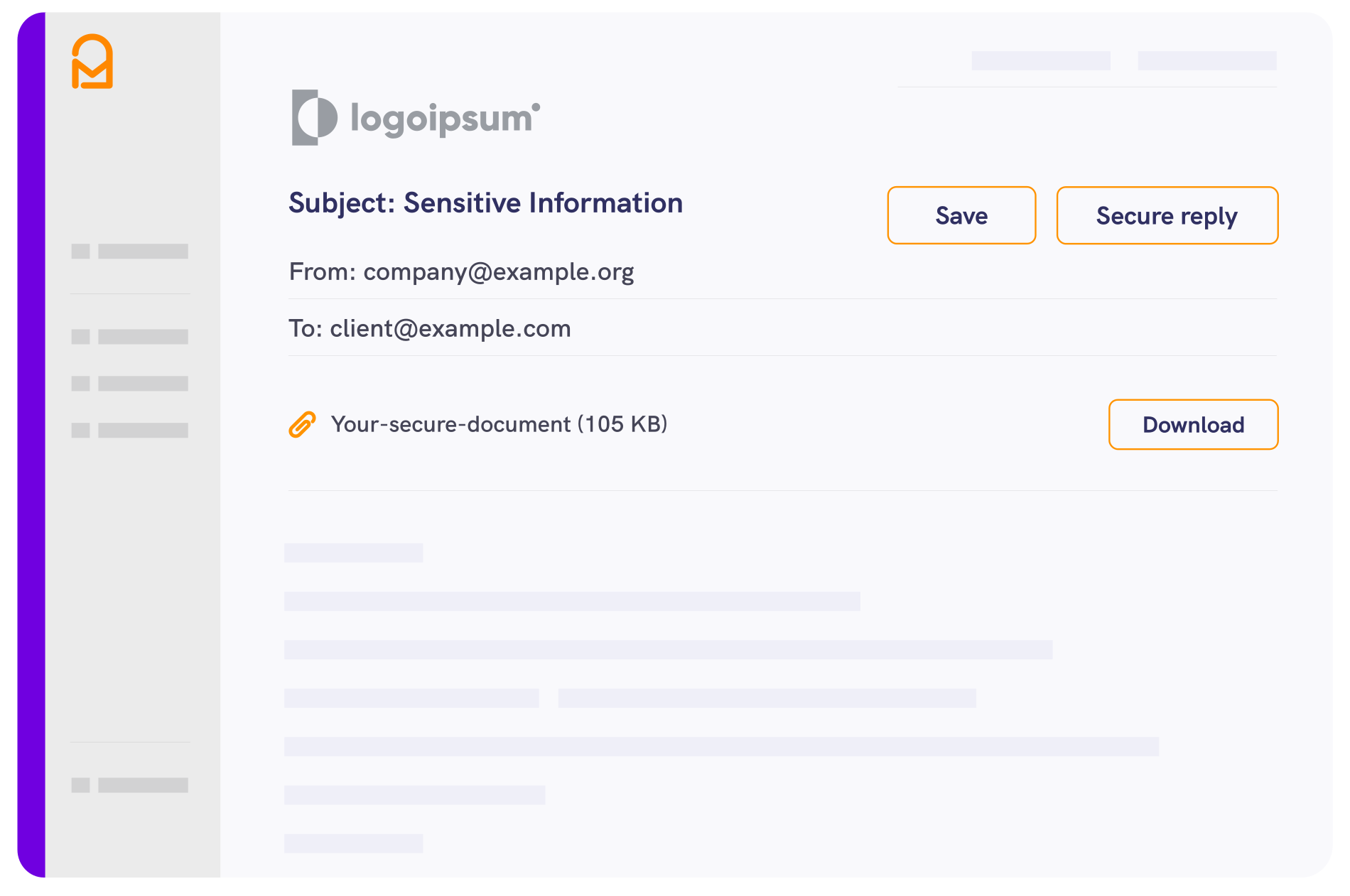
Security
Protect messages and attachments
Add AES-256 encryption to customer email
Mailock applies AES-256 encryption to secure messages and attachments, with replies kept inside the protected communication.
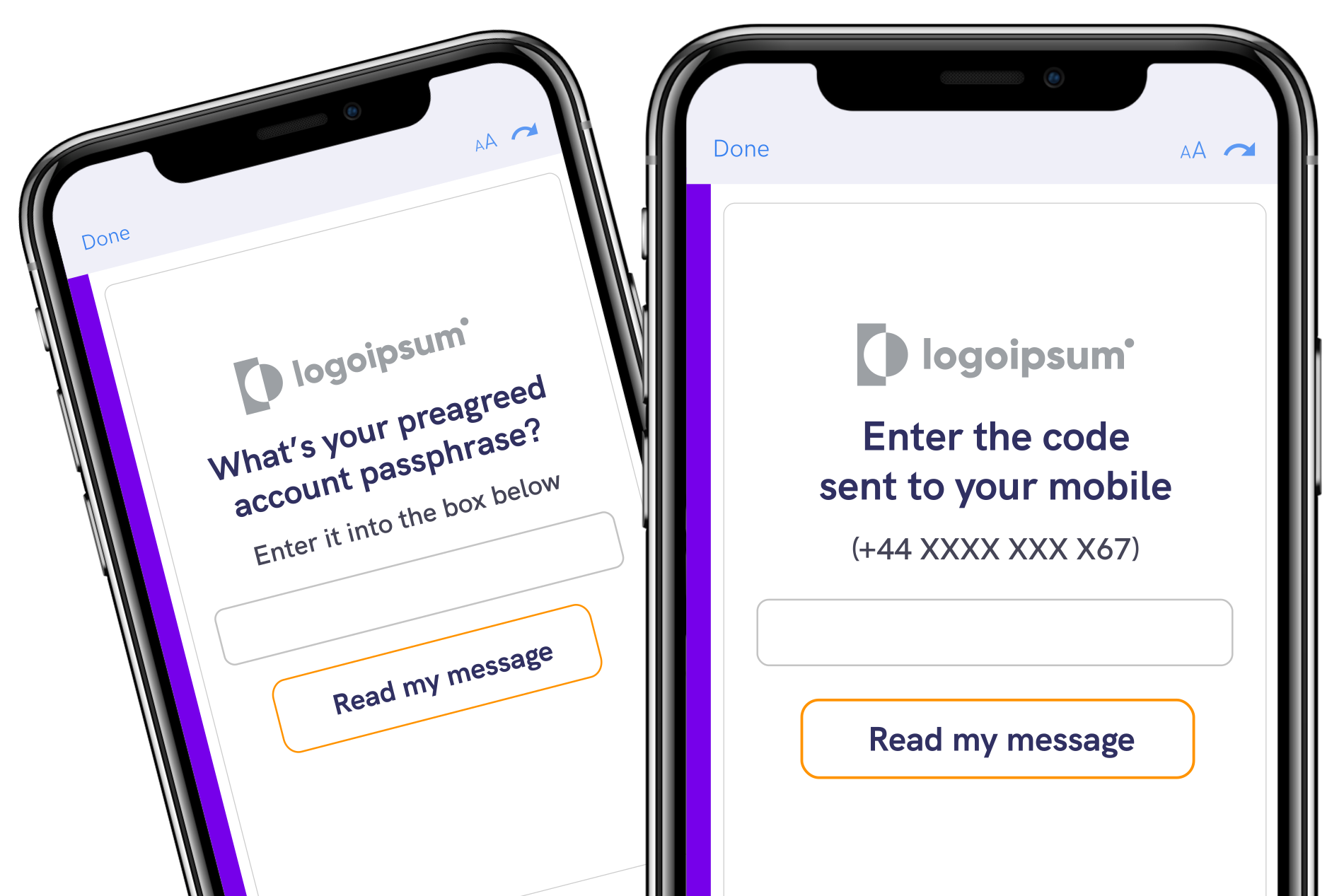
Authentication
Choose how recipients authenticate
Match the check to the communication
Add sender-selected authentication before sensitive content is opened. Mailock gives teams more control over the recipient check used for different customers and communications.
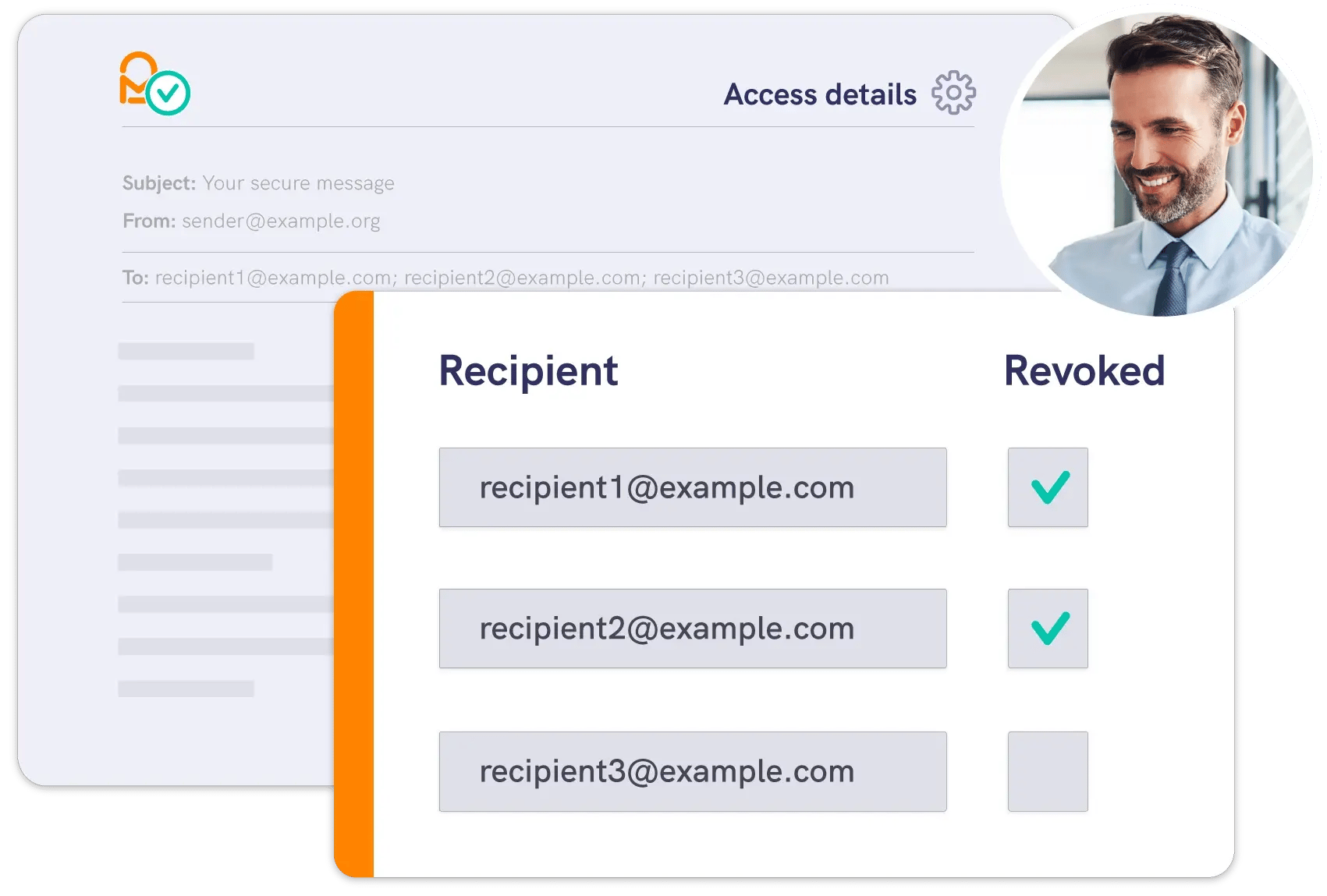
Post-send control
Stay in control after you send
Close access when circumstances change
If a message is misdirected, a document changes, or access is no longer appropriate, Message Revoke lets the sender close future access to the protected message. It gives teams a direct way to act on sensitive customer email, including messages sent outside their Microsoft 365 organisation.
Testimonial
Mailock removes a lot of risk and GDPR concern
Email is how our clients want to communicate. With Mailock, we can send and receive our clients’ information by email without putting it at risk.







Features
More control over sensitive customer email
Mailock gives senders practical controls before, during and after delivery, while recipients get a clear route to authenticate, read and respond.

Compose
Protect individual email from your Windows Outlook desktop client.

Encrypt

Authenticate
Choose a supported recipient-authentication check before sensitive content is opened.

Monitor

Reply

Track

Revoke

Automate
Extend secure delivery across automated customer-communication workflows.

Pricing
Mailock pricing plans
Explore our free and paid plans to choose the protection that suits your business best.

Integrations
Mailock for Outlook
Use Mailock to secure email communications from supported Outlook environments.
.png?width=900&height=525&name=Customer%20service%20agent%20smiling%20in%20office%20with%20colleagues%20(1).png)
Mailock Enterprise
For automated delivery
Explore Mailock Enterprise options for automated protected delivery alongside Microsoft 365.

Questions?
See how Mailock fits your Microsoft 365 environment
Walk through individual and automated sending, recipient authentication, and post-send control with our team.

Business Email Security: What Is An Impersonation Attack?
Learn what an impersonation attack is, how it works in business email security, and the practical steps your team can take to reduce risk.

The Most Dangerous Button in Your Business: ‘Reply All’
Learn how ‘Reply All’ mistakes cause data breaches and how secure email tools like Mailock reduce risk, improve compliance, and protect sensitive information.

How Do You Lock a Word Document, and Is It Secure?
Learn how to lock a Word document on Windows, Mac, and mobile, plus when secure email or portals may be safer for sensitive files.