Features > Encrypt
Email encryption for sensitive communications
Protect emails and attachments with AES-256 encryption and practical controls. Send securely from Outlook or the web, with options for professionals, teams, and enterprise delivery.




Inbox delivery for sensitive information
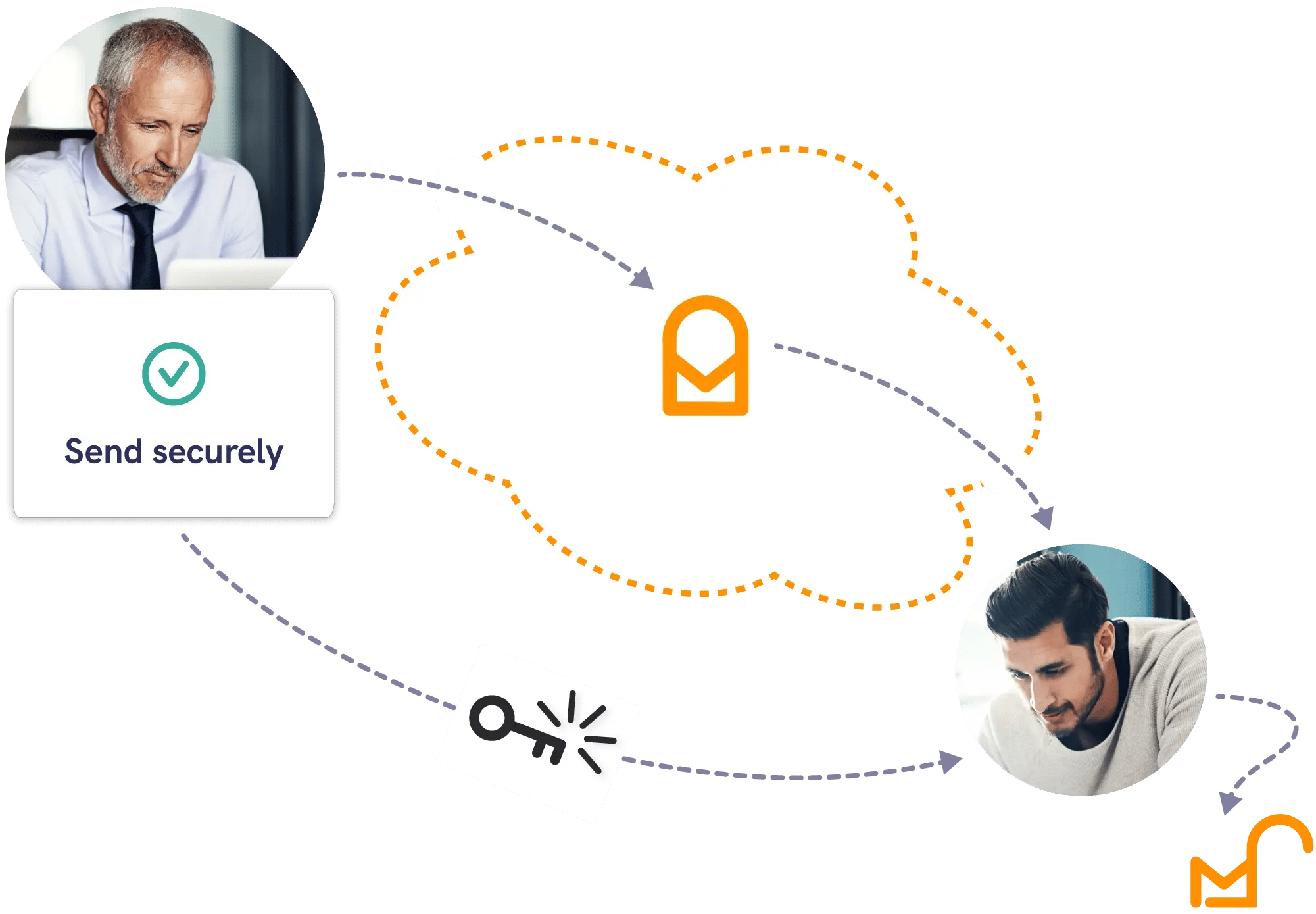
Mailock secure email encrypts email content and attachments so sensitive information is protected in transit and at rest.
It’s designed for everyday communication - from professionals sending the occasional secure message to organisations delivering customer communications at scale.
1. Compose
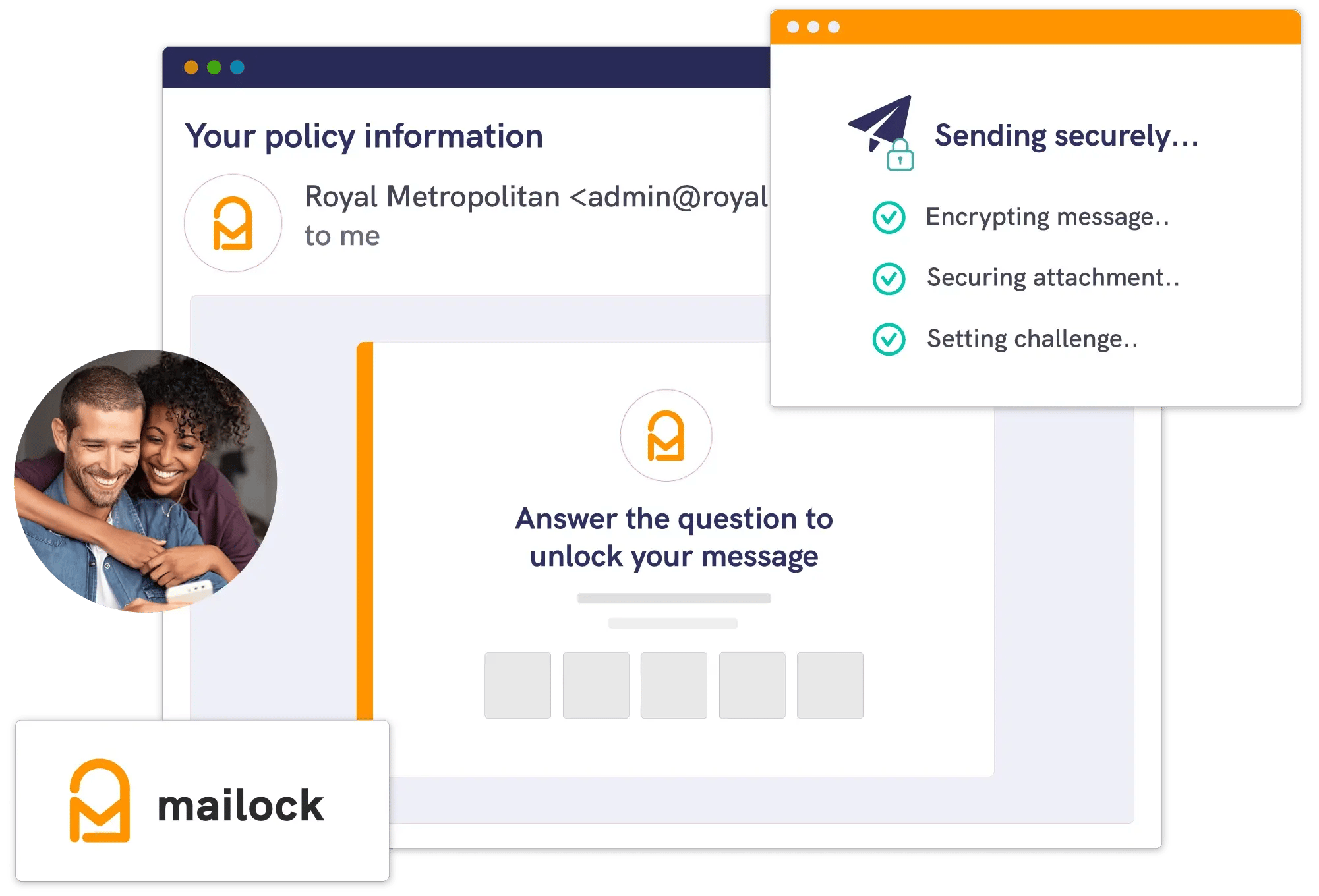
Send a secure email from Outlook or the Mailock web app, with attachments included.
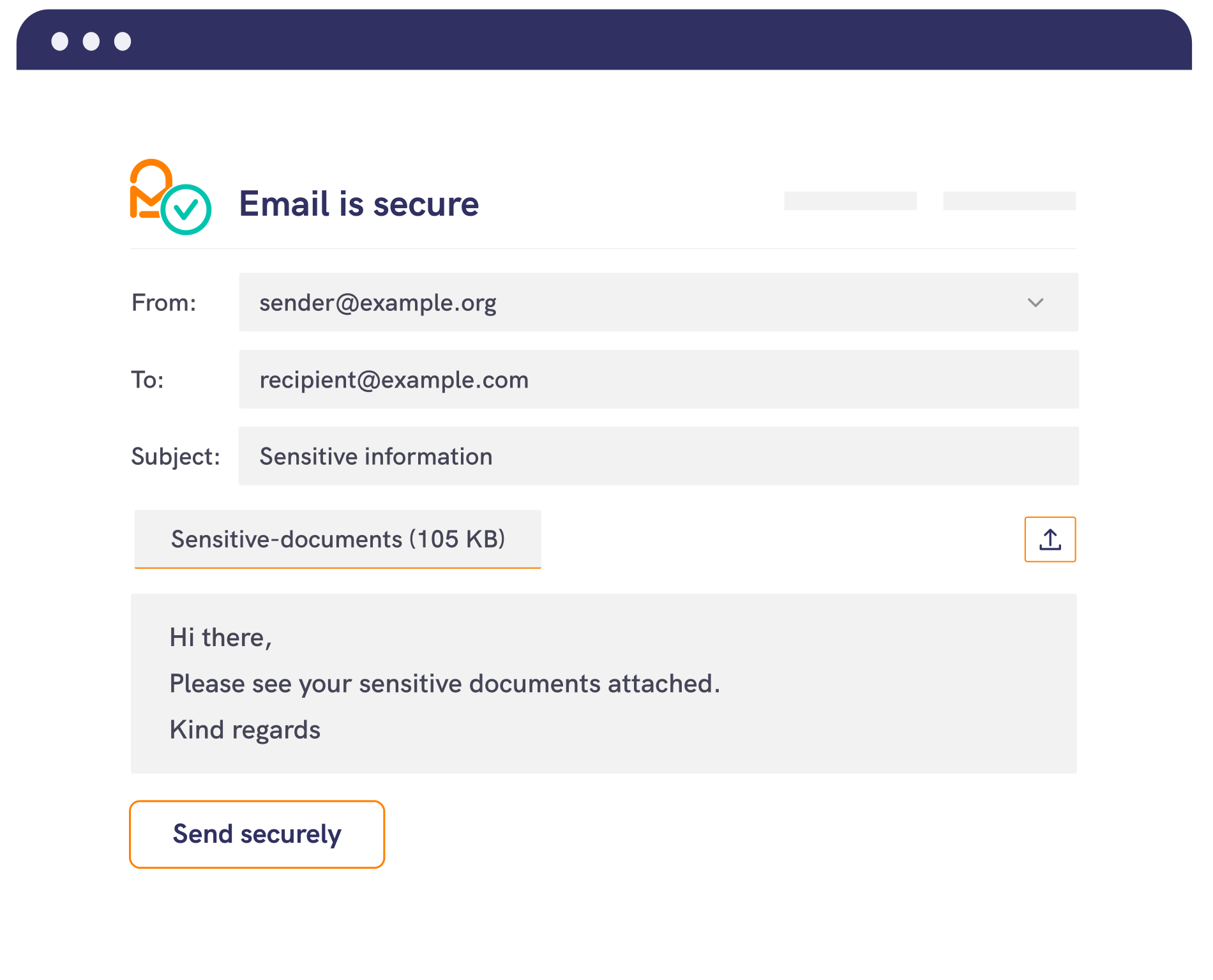
2. Encrypt
Mailock applies AES-256 encryption and a unique encryption key for the message.
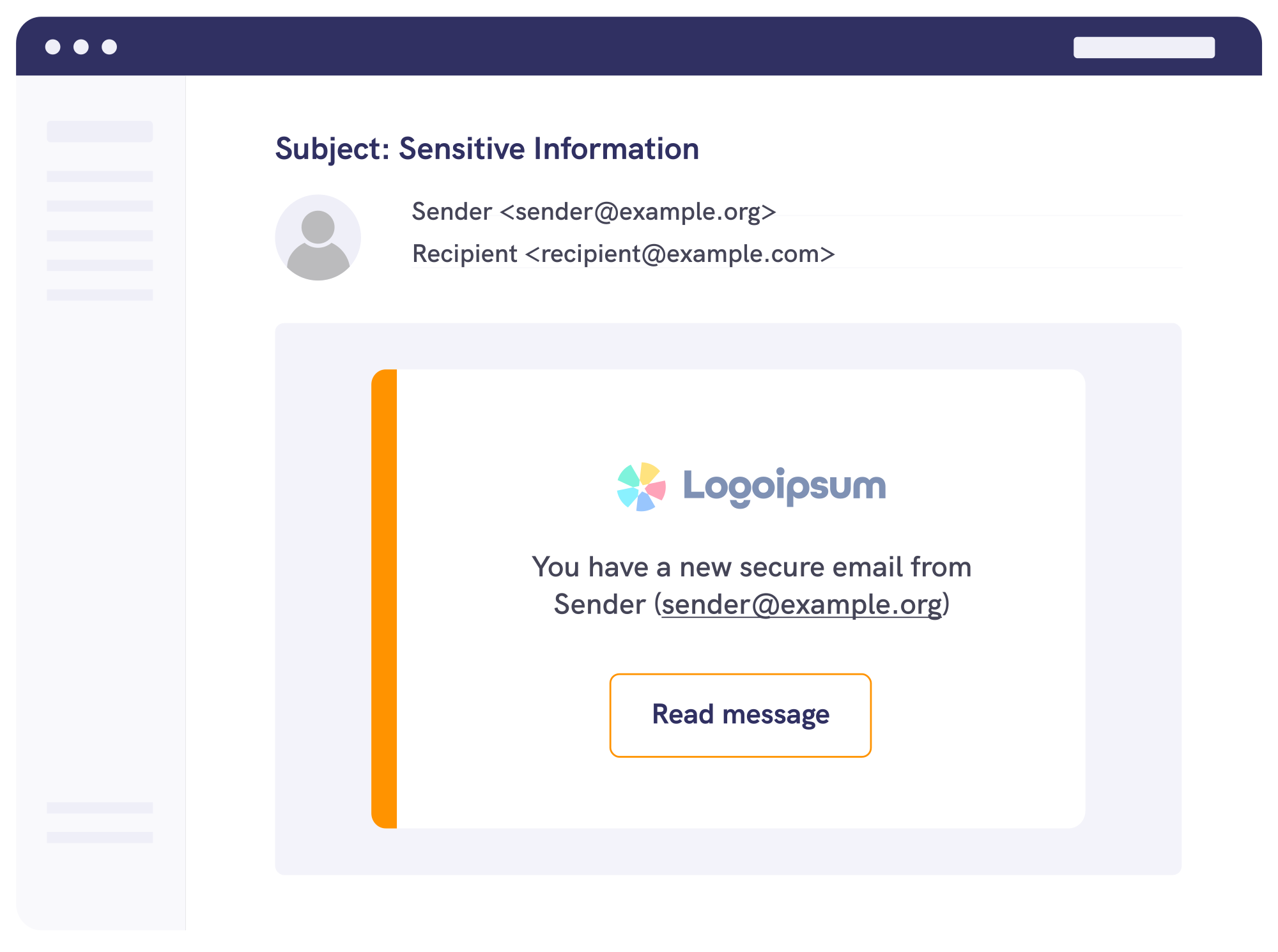
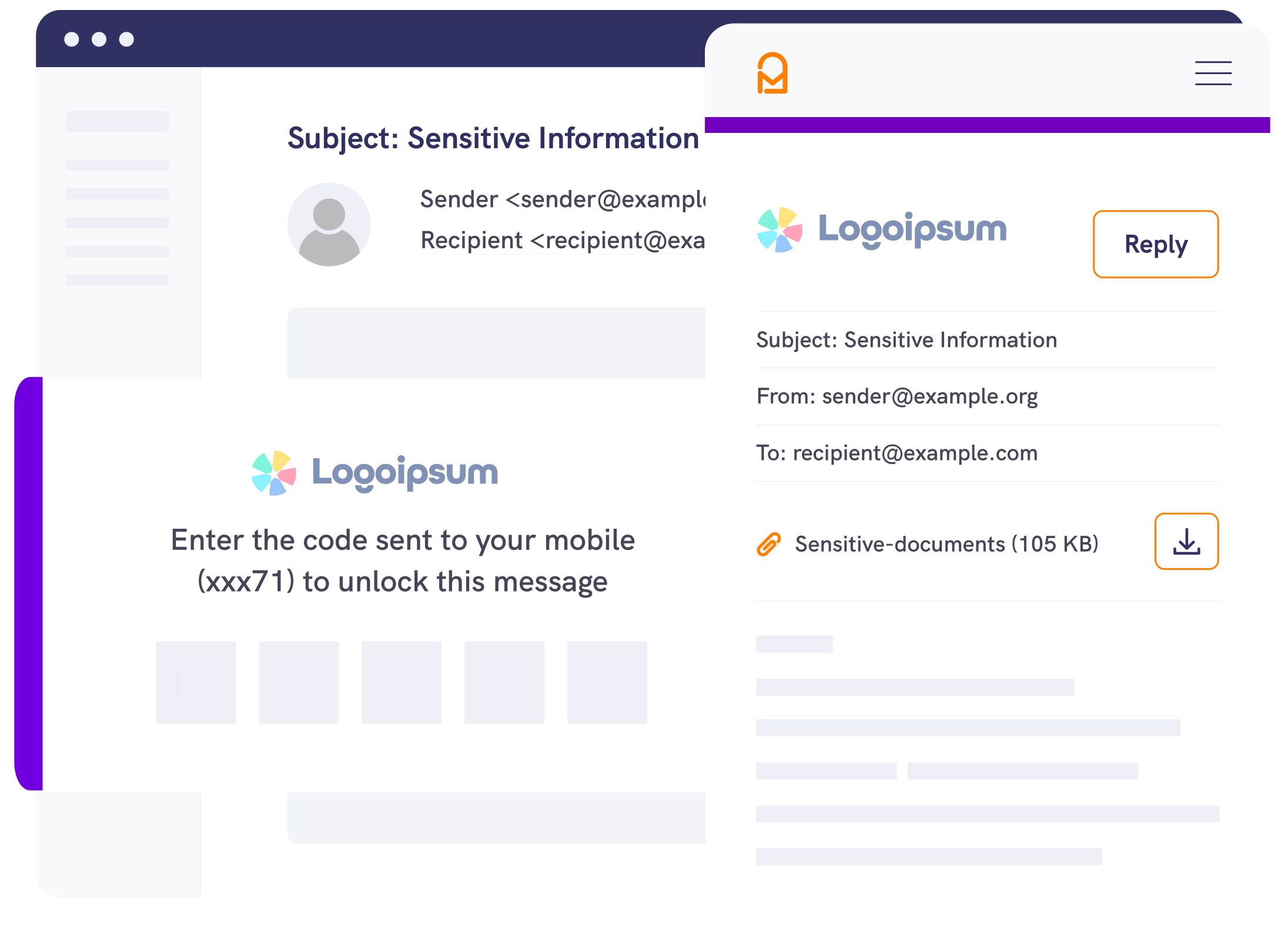
3. Control access
Add recipient authentication when needed, and track access for confirmation of delivery and follow-up.
Security & Compliance
Protect data and support compliance
When you send personal or sensitive information, the risk is rarely just “hackers”. It’s misaddressing, forwarding, shared inboxes, and unclear handling. Mailock's email encryption helps reduce exposure by protecting content, and pairing it with identity checks where appropriate.
.jpg?width=1200&height=800&name=customer%20service%20rep%20smiling%20on%20call%20copy%20(1).jpg)

AES-256 encryption
Protect emails and attachments with AES-256 encryption - a standard for safeguarding sensitive data.

Unique encryption keys

Encrypted connections

Policy-driven encryption

Secure replies

Authenticated access



Pro
For professionals and teams
Start sending encrypted email from Outlook or your browser, without changing how you communicate day to day.
-1.jpeg?width=1500&height=875&name=Woman%20smiling%20in%20offer%20using%20laptop%20to%20secure%20emails%20next%20to%20colleagues%20(1)-1.jpeg)
Enterprise
For high-volume contact
Use the Mailock Secure Email Gateway to integrate secure delivery into your operational processes, with policy-driven controls.

Automated
For scaled digital delivery
Deliver customer comms at scale with automated secure email delivery, for statementing and bulk messaging.
.png?width=1082&height=700&name=Buiness%20team%20looking%20at%20laptop%20and%20smiling%20around%20board%20table%20(1).png)
Plans & pricing
View plans
Take a look at our plans to address your communications security challenges.

Customer-Led Data Protection: The CASTLE Framework
Explore customer-led data protection and the CASTLE framework for trusted, consent-led, user-controlled data sharing.
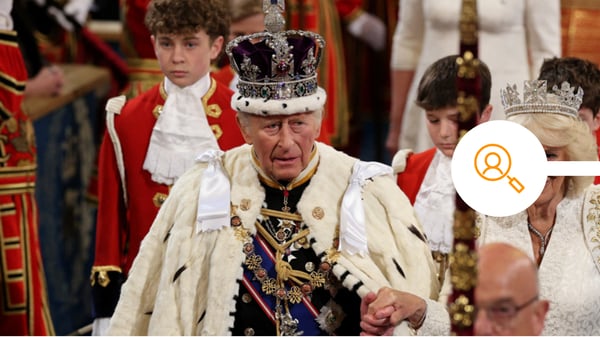
What the King's Speech 2026 Means for Secure Digital Communications
What the King’s Speech 2026 means for Digital ID, cybersecurity, EU data governance, and secure identity-verified communications.

How Mailock Helps with APRA CPS 230 and CPS 234 Email Controls in Australia
Mailock secure email helps with APRA CPS 230 and CPS 234 compliance by encrypting sensitive emails, verifying recipients, and supporting tracking and revoke.