
3 Business Alternatives to Print and Post for Confidential Documents
 Sam Kendall


Video calls, chatbots, and self-service banking can make it feel as if digital channels now lead customer communications.
When firms need to share pensions, mortgage, legal, or identity documents, print and post are still common - even as postage costs climb.
For the most sensitive personal and financial information, recorded post still sits in many compliance playbooks.
Despite attempts to modernise delivery, Royal Mail still handled more than seven billion letters in the financial year to 2022.
With postage costs rising (including increases reported in 2022) and the environmental impact of printing and posting under scrutiny, many business leaders are revisiting digital alternatives that could cut cost and speed up client journeys.
Why Is There Still So Much Post?
If you work in regulated sectors such as legal or financial services, you are likely familiar with the rules around sharing confidential client information.
Traditional mail, especially recorded delivery, still meets several operational expectations:
- Delivery evidence that teams can file for disputes or audits
- Receipt notification when an item reaches the recipient
- Physical handling standards that compliance teams already understand
Many digital channels can match or exceed those controls through AES-256 encryption, recipient authentication, and access records - but adoption often stalls on compatibility, not security alone.
Remortgages, joint applications, and advice packs often involve SMEs, enterprises, and clients on different systems. Everyone needs a route that works without forcing a new habit for every message.
If you have hit friction moving off post, that is a familiar pattern in regulated firms.
Below are three practical alternatives to print and post for confidential documents, with notes on where each fits in real workflows.
"Recorded post still gives firms a familiar evidence trail, but it is slow, costly, and hard to scale when clients expect faster digital service.
The decision is usually which digital route keeps that evidence without adding friction for the recipient."
Paul Holland, Founder and CEO, Beyond Encryption (Mailock)
Each option below has different strengths for regulated teams moving sensitive documents off post.
| Note: The options below can suit professionals, small businesses, and large enterprises, depending on workflow and risk. |
Use the contents and comparison table to jump to the section most relevant to your workflow.
Contents
The three sections below walk through each route in more detail.
At a Glance
Use this table to compare the three routes before the detail in each section.
| Criteria | Secure Email | E-Signature Apps | Customer Portals |
|---|---|---|---|
| Best when | Clients should open and reply from their inbox | Documents need formal signing or form completion | Ongoing account access and file storage matter |
| Typical friction | Poor recipient experience on some tools | Account creation and app login | Passwords, navigation, and portal fatigue |
| Evidence | Encryption, authentication, message tracking | Timestamps and signed document records | Access logs inside the portal environment |
The sections below explain when each route tends to work best in regulated client communication.
1. Secure Email
Why Secure Email Matters
Email remains the default channel for many business-to-customer updates.
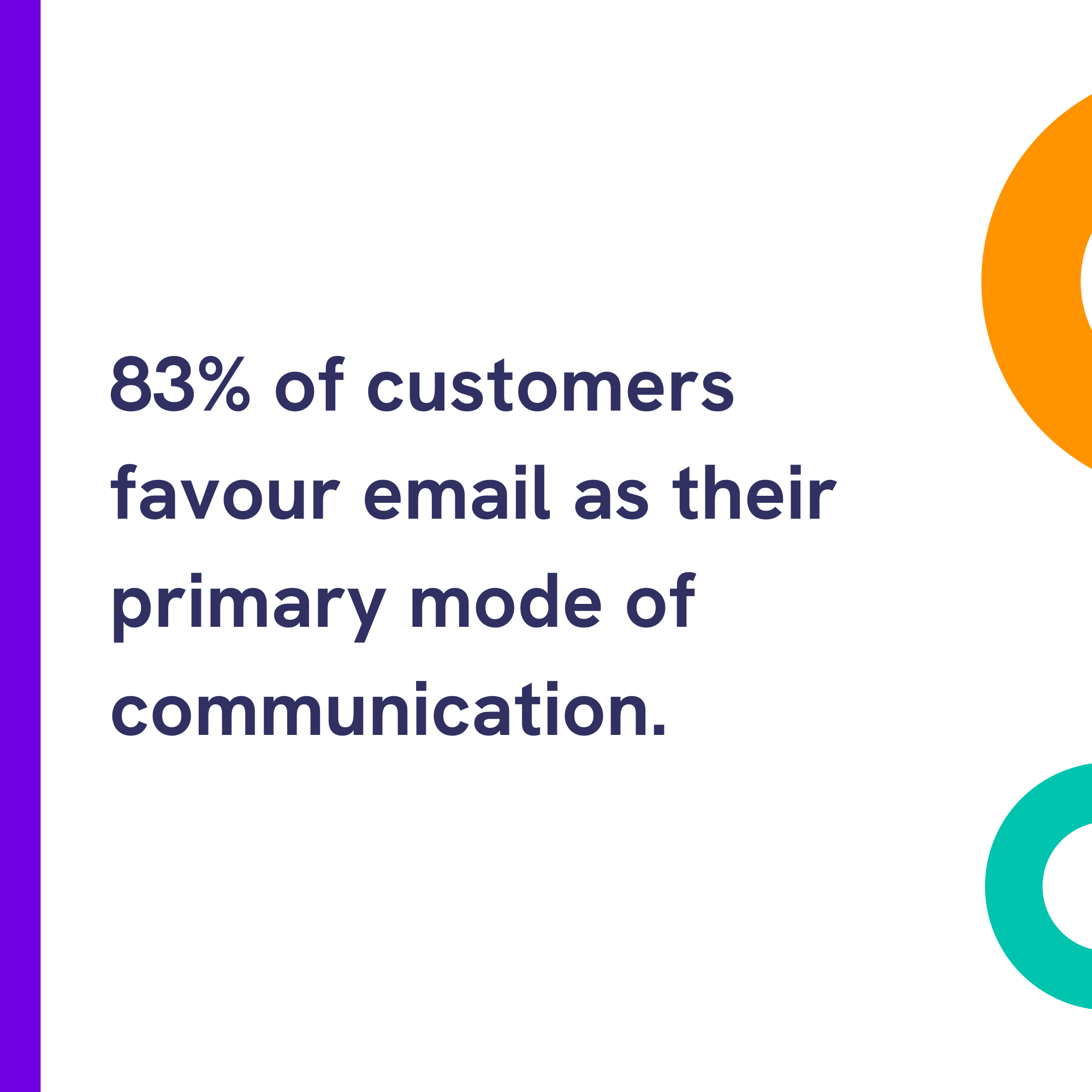
SendGrid research and our email preference overview both point to a strong 83% preference for email over post or portals for routine communications.
For confidential documents, standard unencrypted email is not a viable option.
Messages sent without protection can be intercepted or opened by the wrong person, which creates security and privacy risk for regulated data.
Secure email adds advanced encryption in transit and at rest, with controls on who can open attachments and what happens after delivery.
Strong options also include recipient authentication, secure replies, revoke, and Message Tracker records that help teams evidence access.
The main adoption risk is usability. Tools that do not fit your mail client, or that confuse recipients, tend to push people back to post.
It is worth testing any shortlist against your sector workflows and the recipient experience you want clients to have.
Mailock is built for teams that want to keep email as the delivery route while adding AES-256 encryption, adjustable authentication, secure replies, message tracking, and broader audit trails across account activity.
Teams can tune security to the recipient and message type, and recipients can open protected messages without switching email provider.
Enterprise users can manage high-volume sending from a company dashboard; individuals and teams can also use the Mailock Add-in for Outlook for day-to-day secure sending. See what secure email means in practice.
If secure email fits your workflow, you can explore how Mailock handles protected delivery and recipient checks.
E-signature tools are the next option to consider when signing workflow, not inbox delivery, is the main requirement.
2. E-Signature Apps
Why Digital Signatures Work
E-signature tools have moved well beyond freelancer contracts into enterprise workflow platforms.
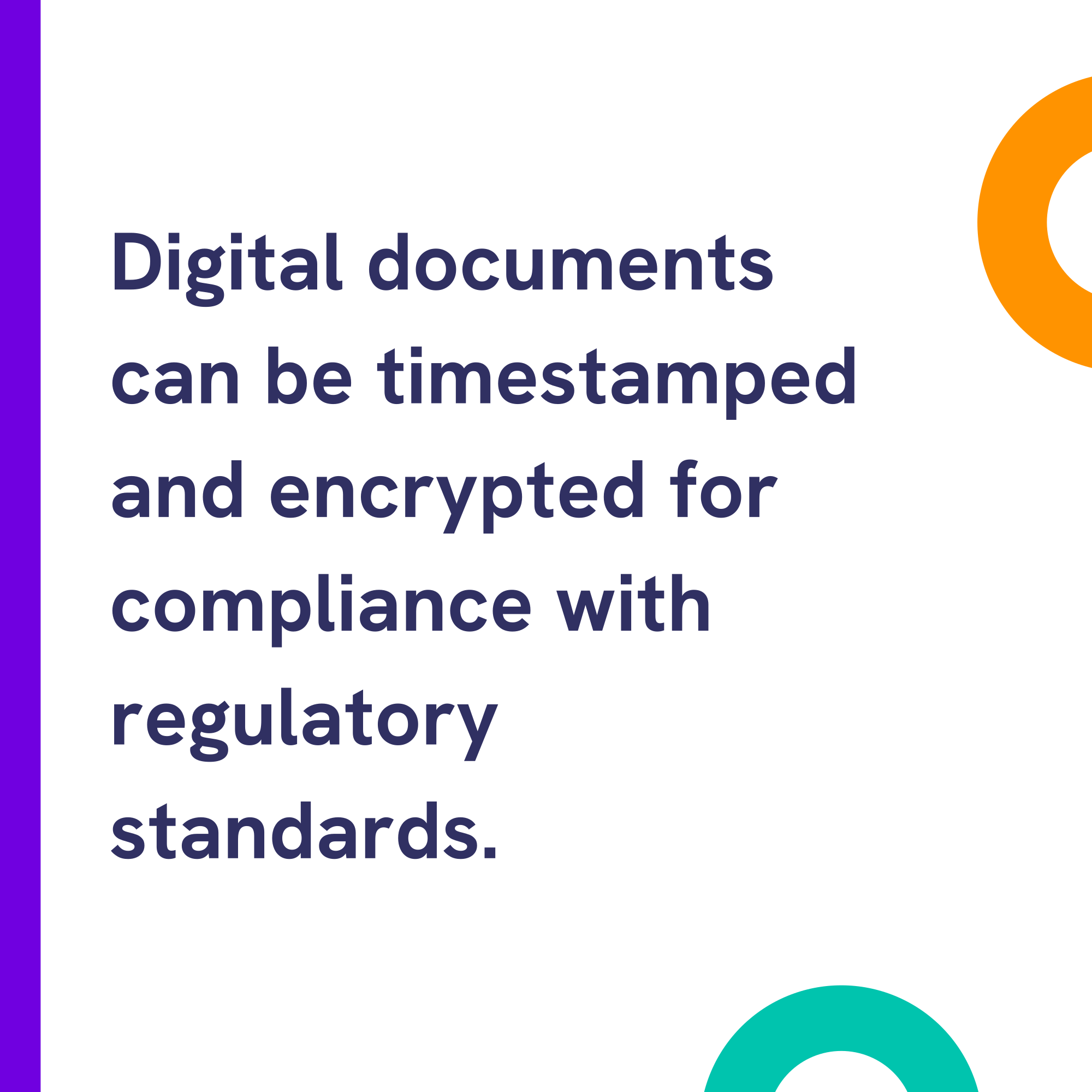
When a confidential pack needs a signature or completed form, e-signature apps can provide timestamped, encrypted documents that support many legal and regulatory expectations.
Most platforms support templates for repeat forms and parallel signing when several parties need to act on one document.
They are a strong fit for contract-led processes. They are often a weaker fit for simple document delivery where the client only needs to read and reply.
Some customers find e-signature tools intimidating, especially when they must create an account and learn a new interface.
Email familiarity is why many firms pair signing tools with a secure email route for everything that does not need a full signing ceremony.
For vendor options, see Zapier's comparison of digital signature apps.
3. Customer Portals
The Role of Secure Portals
Client portals are common in sectors that want customers to return to a single signed-in space.
A US Statista survey reported that 88% of customers expect brands to offer a self-service portal. Treat that figure as US market context and validate portal expectations against your own UK client research before changing strategy.
Portals give businesses a controlled area for large files, account history, and ongoing servicing.
Typical features in regulated industries include:
- E-signature capabilities
- Secure email integration
- Customer service channels
- Self-service content and education
Prebuilt portals vary widely in depth, which can make buyer comparison difficult.
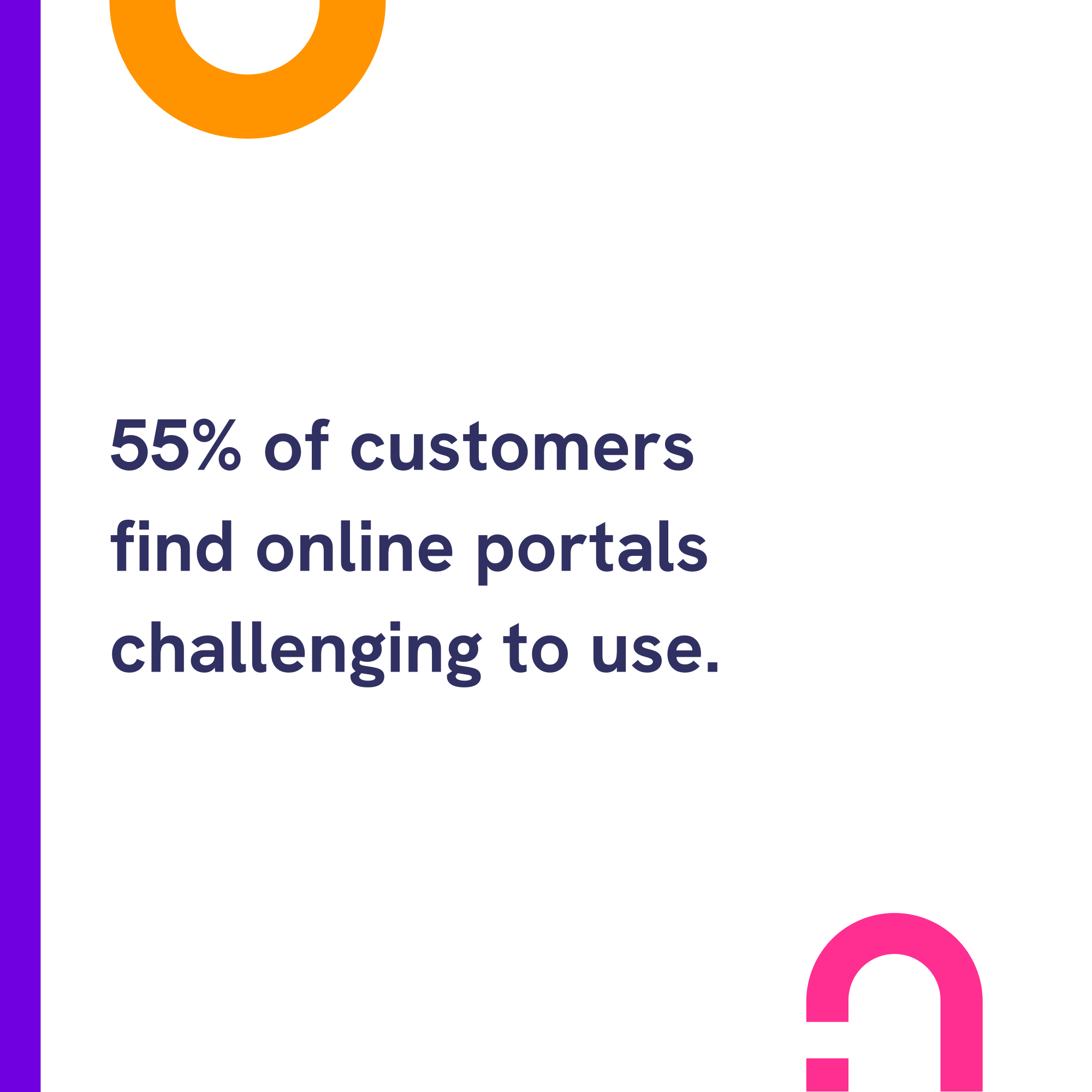
Despite wide adoption, a 2016 Northridge Group report found 55% of customers found portals challenging to use. Treat older CX data as directional and validate against your own client feedback.
Portals usually require a login and another password, which adds friction for one-off document delivery.
Passwordless access and clearer navigation can help, but the workflow still starts with the customer leaving their inbox.
Some firms combine a portal with secure email so documents arrive in the inbox and remain available in the portal for later access.
Map the journeys clients actually take before investing in portal redesign. A portal that does not match how people open urgent documents rarely reduces post on its own.
Before you standardise on one platform, it helps to test each option against the jobs your teams actually send.
Questions To Ask Before You Move Off Post
- Does the client need a one-off document, a signature, or ongoing account access?
- Can the recipient complete the task without a new account or portal login?
- What delivery and access records will you need if something is disputed later?
Those checks usually make it clearer whether you need inbox delivery, signing workflow, or a standing portal - or a combination.
"Most firms do not need one channel for everything.
Secure email handles time-sensitive documents, e-signature tools cover formal signing, and portals support ongoing servicing - the mix should follow the client journey, not the other way around."
Adam Byford, COO, Beyond Encryption (Mailock)
The right mix depends on message type, client capability, and the records your compliance team expects to hold.
Choosing Your Mix
Alternatives to posting confidential documents have matured, while postal costs continue to pressure budgets.
A practical approach is to match the channel to the job: secure email for inbox-led delivery, e-signature tools for formal sign-off, and portals for longer-term servicing.
Many regulated firms keep post for narrow cases, but giving clients a clear digital option often improves speed, cost, and experience where the workflow allows it.
FAQs
When Is Secure Email a Better Alternative to Post?
Secure email can fit when a firm needs fast delivery, protected access, and a familiar route for confidential documents.
Where Do E-Signature Apps and Portals Fit?
E-signature tools suit formal approvals, while portals suit ongoing self-service journeys where customers are willing to log in.
How Should Regulated Firms Choose a Channel Mix?
Map the document type, customer effort, evidence needs, accessibility, and security risk before replacing post with one digital route.
References
Royal Mail Volume of Parcels and Letters Delivered in the UK, Statista, 2022
Royal Mail Raises Prices Amid Industrial Relations Storm, Printweek, 2022
Email and Text Consumer Preferences, SendGrid, 2020
Best Digital Signature Apps, Zapier
Share of Customers Who Expect Brands to Have a Self-Service Portal, Statista
State of Customer Experience 2016 Report, The Northridge Group, 2016
Reviewed by
Sam Kendall, 29.05.26
This content is for general information only and is not legal advice.
|
Originally posted on 26 10 22
Sam Kendall works on digital marketing at Beyond Encryption, helping build B2B marketing activity around research, first principles, and sustainable growth. He writes about marketing effectiveness, positioning, customer communications, and digital culture, with longer-form work published at ATNL.net. |
Email Series
Subscribe to
.svg)
Subscribe to Privacy Decoded, our monthly email briefing about privacy, digital trust, and the forces shaping our online world.
 Previous post