Features > Challenge
Recipient authentication for secure email
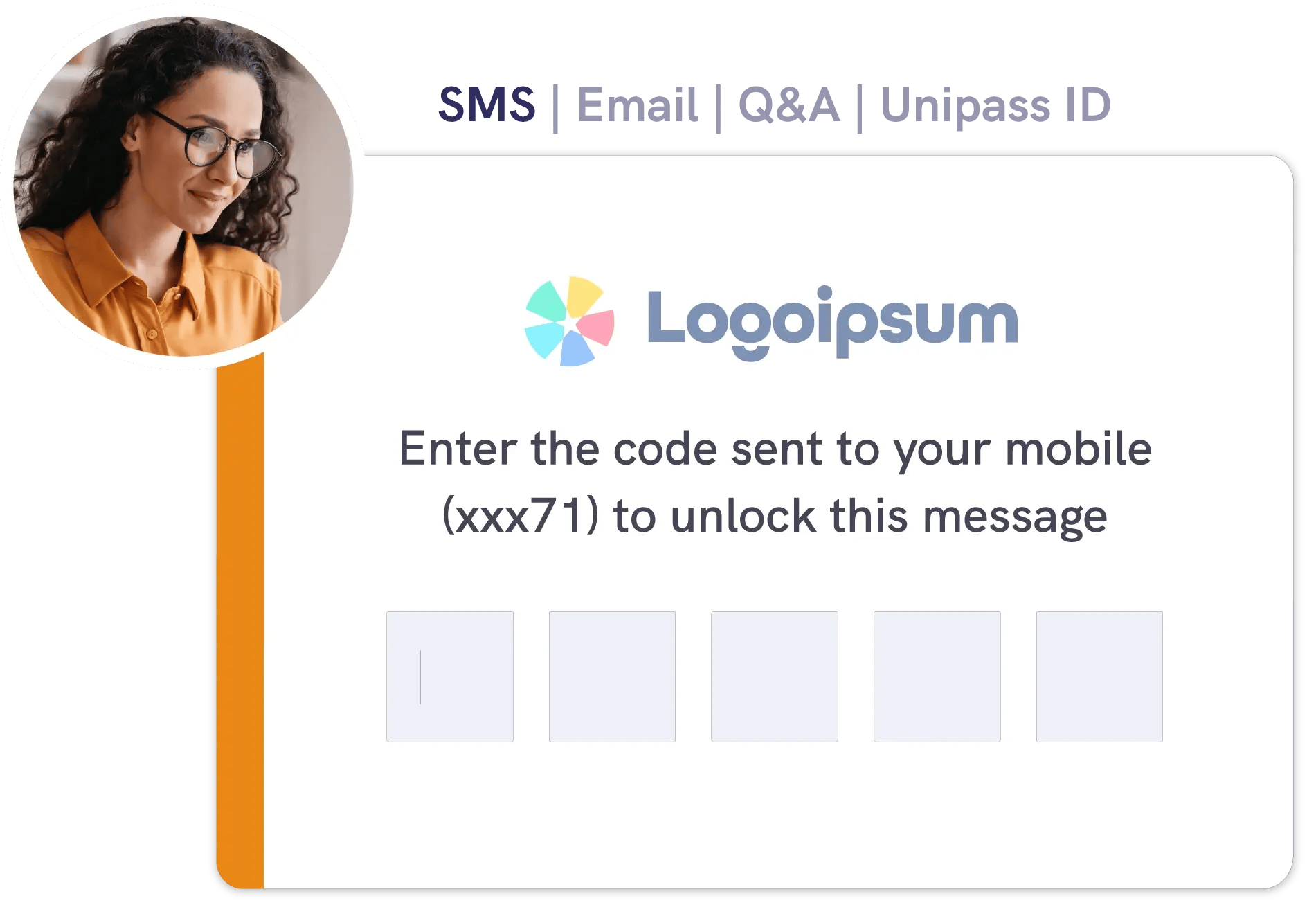
Make sure sensitive emails open only for the intended recipient. Add recipient identity challenges to reduce wrong recipient risk, without creating unnecessary friction.





Inbox delivery to the right people
Mailock encrypts every sensitive message.
Recipient authentication adds an extra layer of control by requiring a recipient identity challenge before the encrypted content can be opened, helping reduce wrong recipient access.
1. Compose
Send a secure email from Outlook or the Mailock web app, adding attachments if needed.
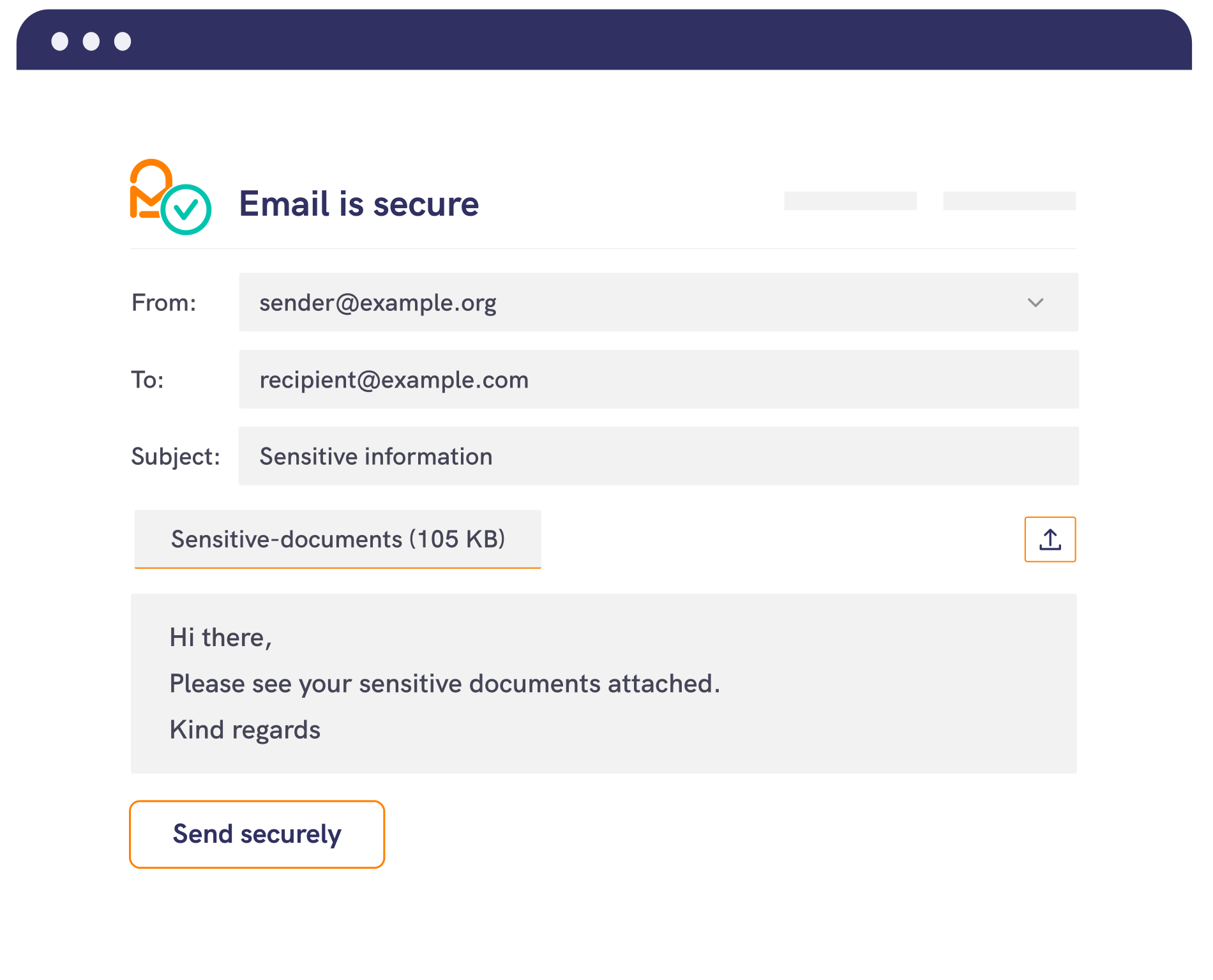
2. Encrypt
Mailock encrypts the email and attachments. You can send with encryption-only, or add a recipient identity challenge for extra control.
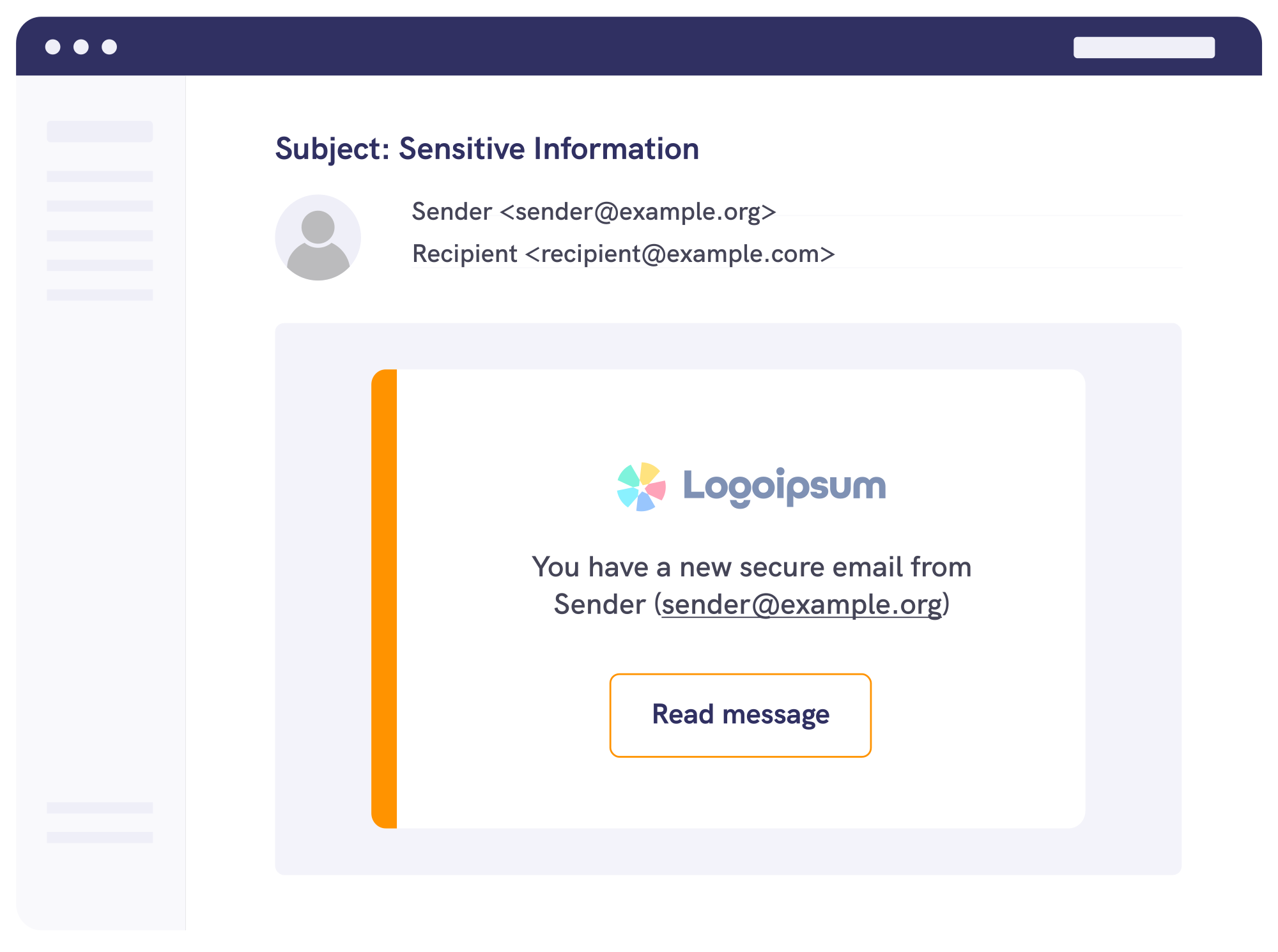
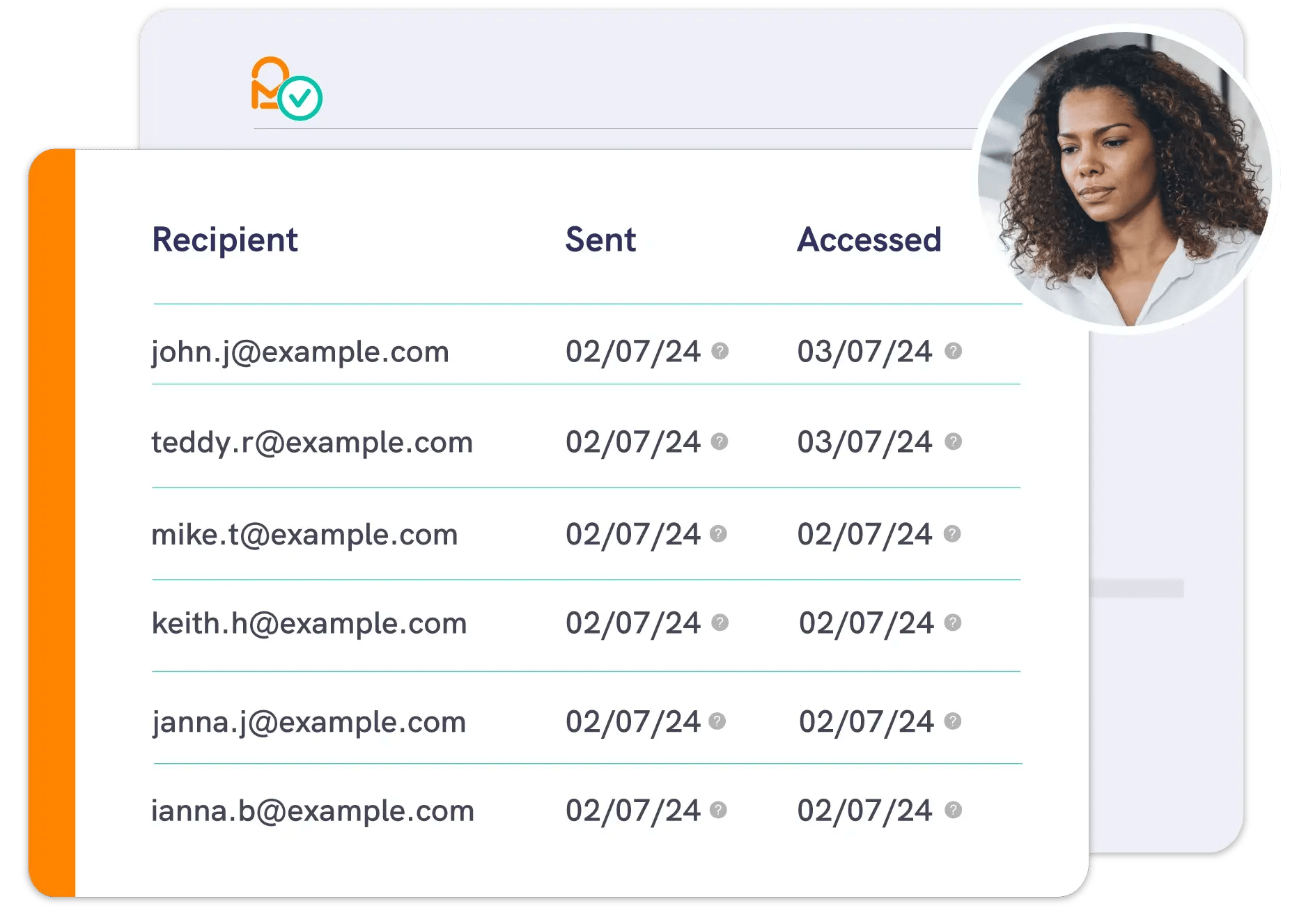
3. Challenge and access
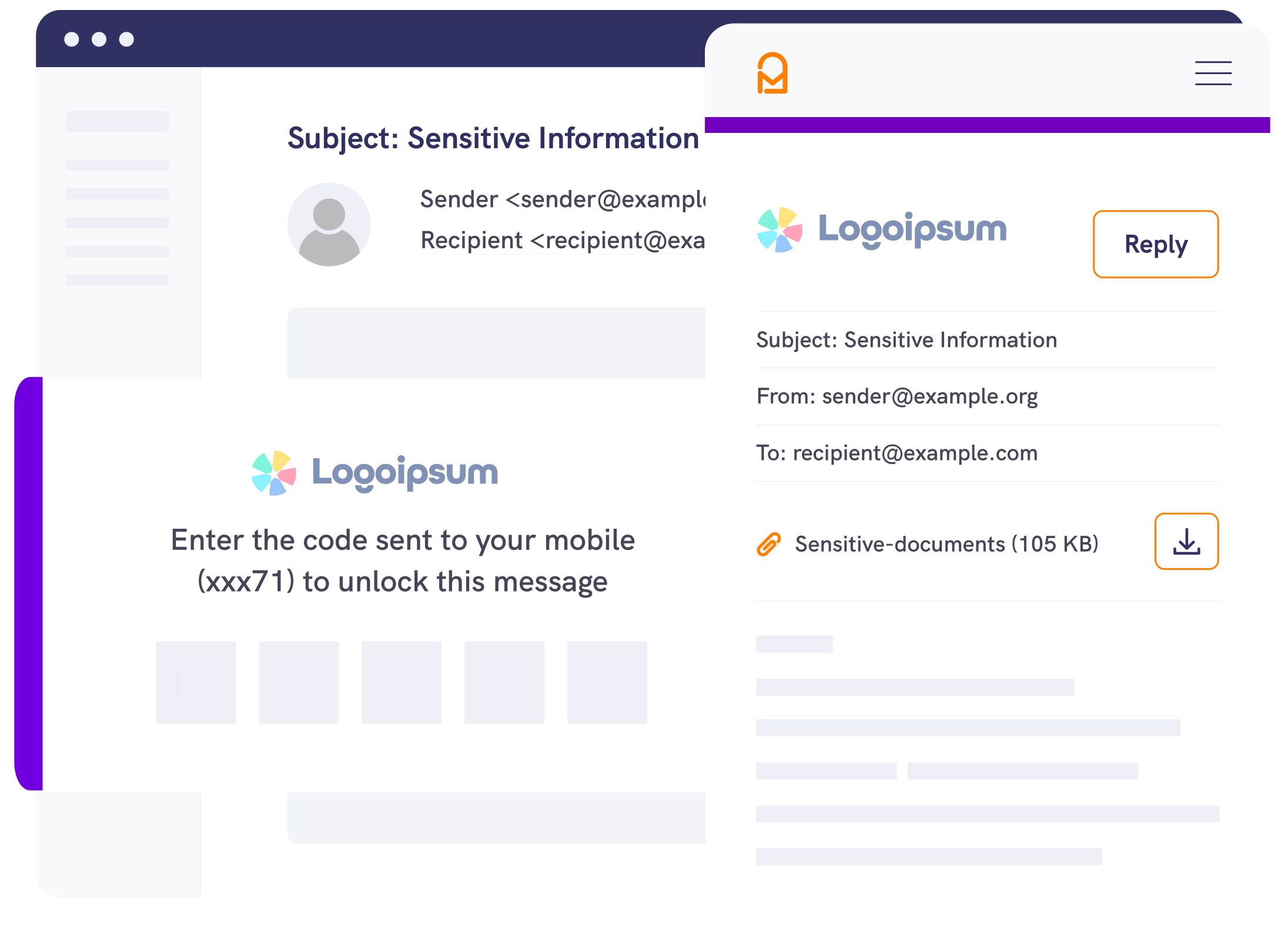
If a challenge is applied, the recipient must complete it before they can open the encrypted message. If they can't pass the check, access is blocked.
Security & Compliance
Stronger access control for sensitive email
Recipient authentication controls who can open encrypted messages using recipient identity challenges. This extra access step helps reduce unauthorised disclosure risk and support expectations from regulators including the ICO and the FCA around protecting sensitive communications.


SMS verification

Question and answer

Unipass ID challenge

Email verification

ID document challenge (enterprise)

API and CRM integrations (enterprise)



Pro
For professionals and teams
Add recipient identity challenges to day-to-day secure email, without changing how you communicate.
-1.jpeg?width=1500&height=875&name=Woman%20smiling%20in%20offer%20using%20laptop%20to%20secure%20emails%20next%20to%20colleagues%20(1)-1.jpeg)
Enterprise
For high-volume contact
Apply recipient authentication consistently across teams and workflows, including integrated delivery through the Mailock Secure Email Gateway.

Automated
For scaled digital delivery
Deliver customer communications at scale with automated secure email delivery, with recipient challenges built into the access experience when required.
.png?width=1082&height=700&name=Buiness%20team%20looking%20at%20laptop%20and%20smiling%20around%20board%20table%20(1).png)
Plans & pricing
View plans
Take a look at our plans to address your communications security challenges.

The Hidden Risk in Your Business: Email Autofill
Email autofill can send sensitive messages to the wrong person. Learn the risks, practical fixes, and how recipient authentication helps reduce mistakes.

Building a Business Case for Secure Email: Risk, Cost-to-Serve, & Trust
Build a business case for secure email that links risk reduction, lower cost-to-serve, and stronger customer trust, with practical measures for regulated teams.

Vouching Standards Show Where UK Digital ID Is Really Heading
UK vouching guidance shows how digital identity is moving towards controlled evidence, reusable checks, and proportionate verification.